Every ER-team member at the right location within seconds
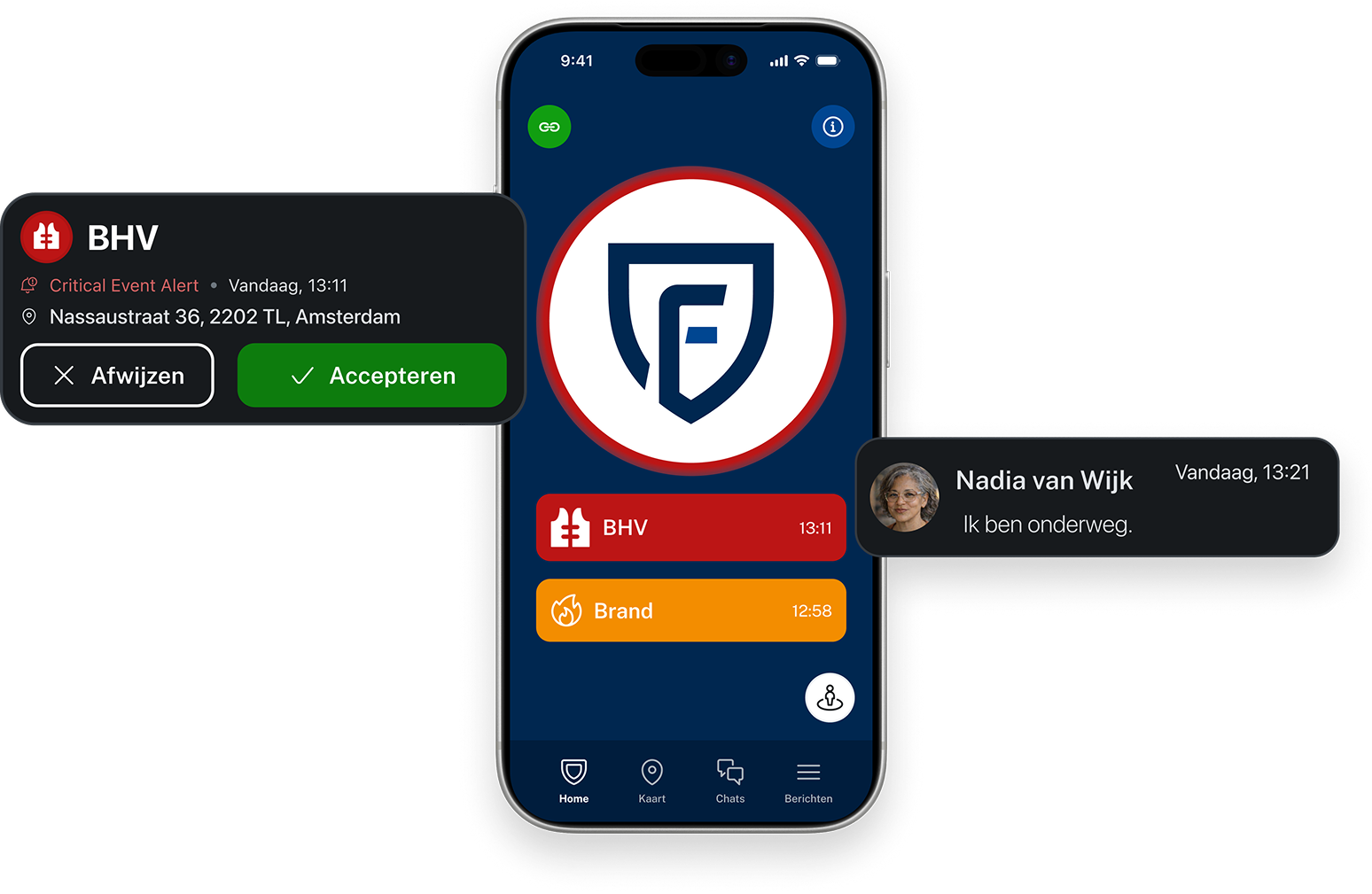
With 15 years of experience, we keep more than 70,000 people safe and their organizations up and running every day












How does the Findwhere Emergency Response App work for sending alerts?
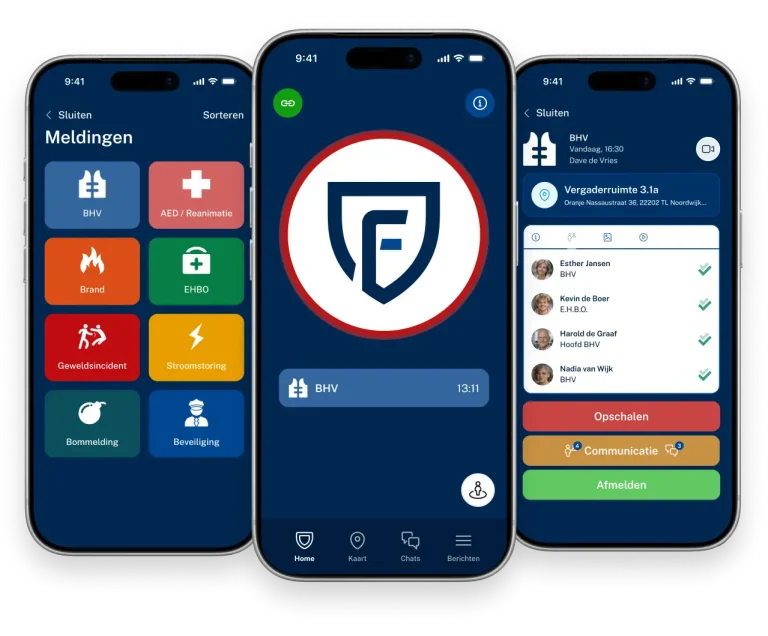


Greater control over security. Fewer worries for your organization.

1. Responding more quickly in emergencies

2. More Efficient Collaboration

3. Reduced risk of human error
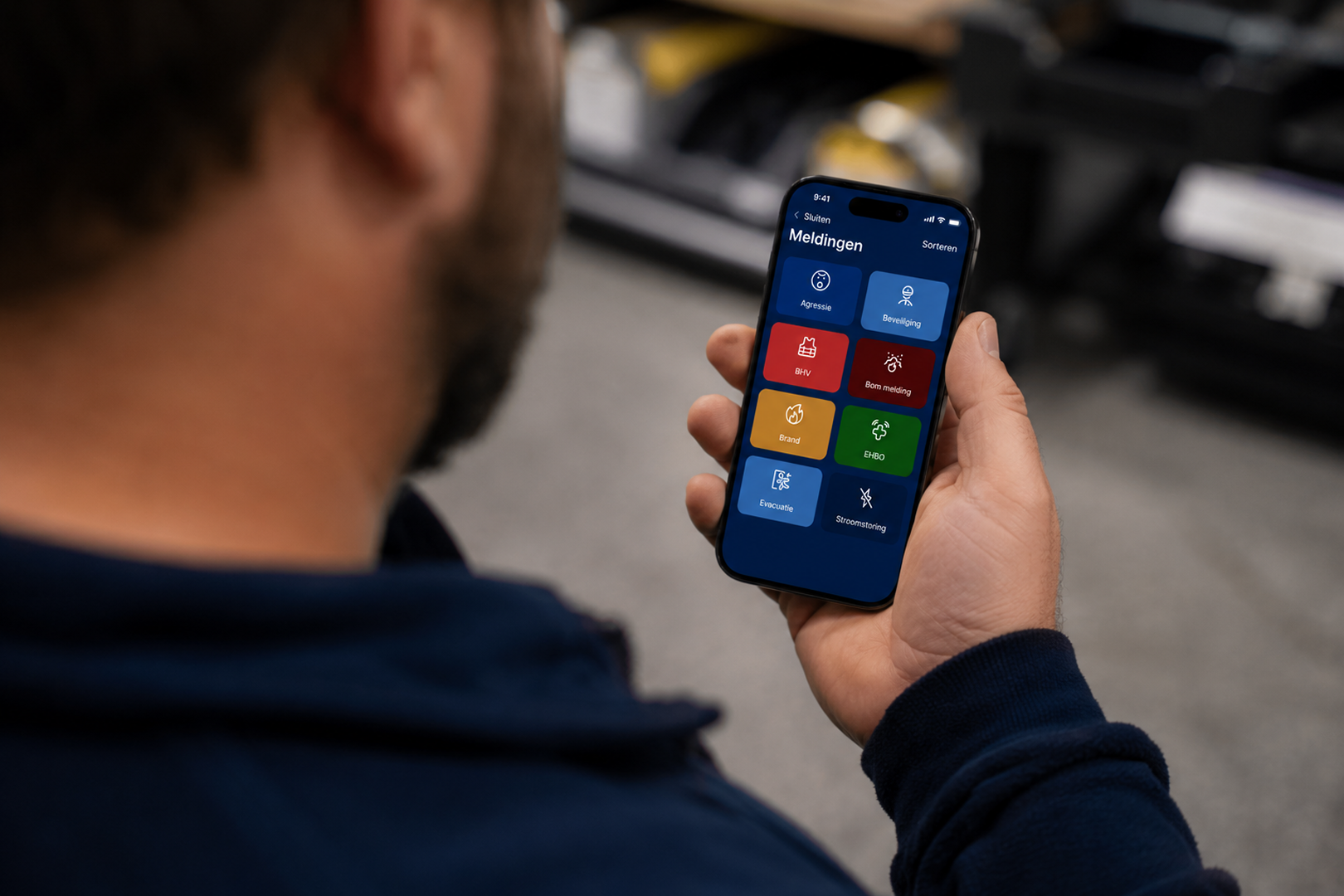
4. Always Prepared for Unexpected Situations

5. Greater control over your Emergency Response organization
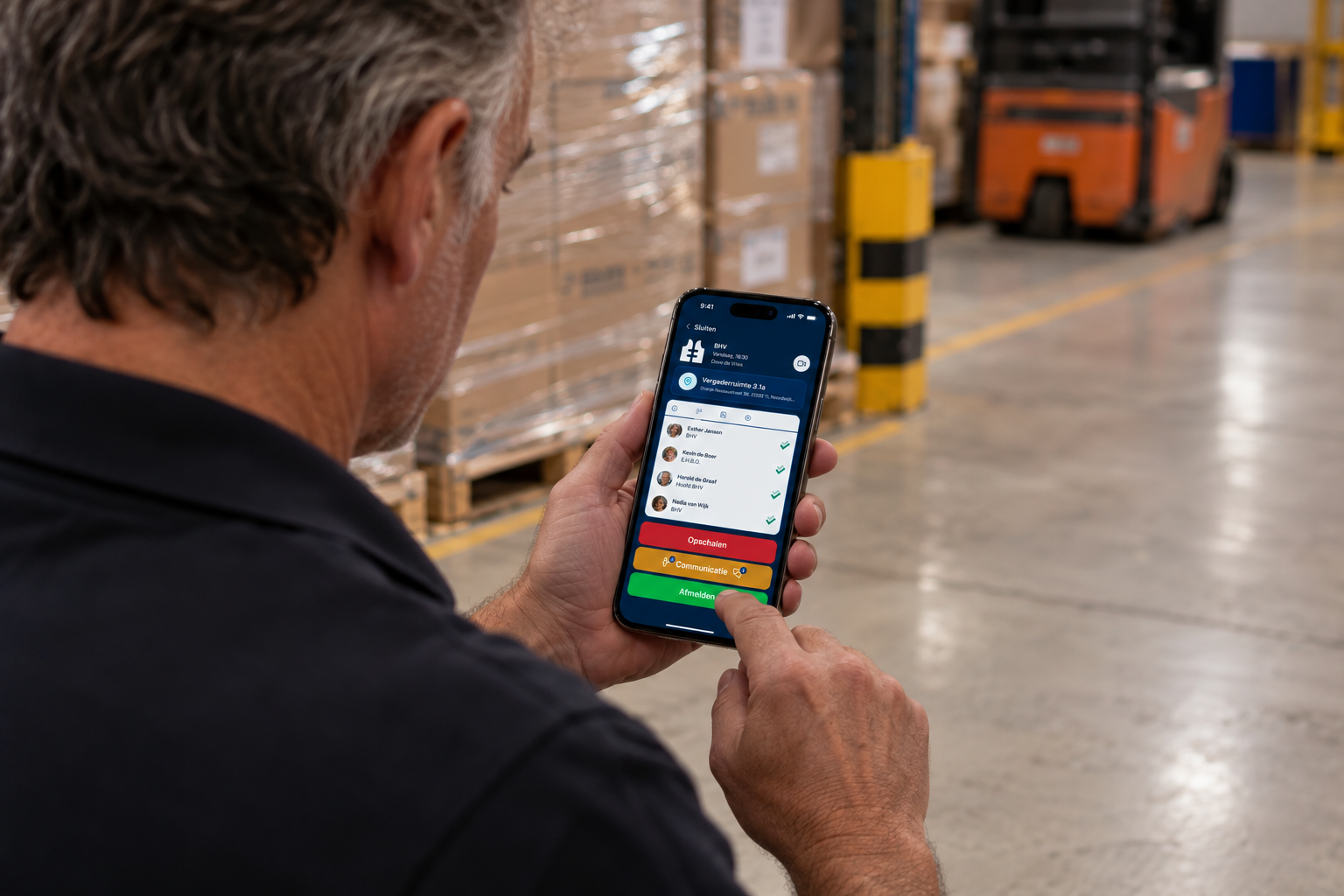
6. Continuous Improvement Through Valuable Insights
Our Ambassadors Speak
















Answers to Your Questions
Emergency Response members can be assigned to one or more locations. If a Emergency Response member works at multiple locations, they can be summoned to any of those locations, depending on the settings and configuration within the Findwhere environment.
If there is no signal, the Findwhere system switches to text message. This ensures that an alert can still be sent.
A report can be accepted or rejected. The system then automatically routes the call to another available Emergency Response responder, ensuring that emergency response continues uninterrupted.
When an incident is reported, the notification overrides silent and “do not disturb” settings.
This ensures that no notification is missed.
Location data is necessary to immediately alert the most relevant people in emergency situations. This allows the nearest Emergency Response responder to be summoned as quickly as possible and ensures that colleagues and coordinators know which emergency responders are on their way. Location data is shared only within the Findwhere zone.