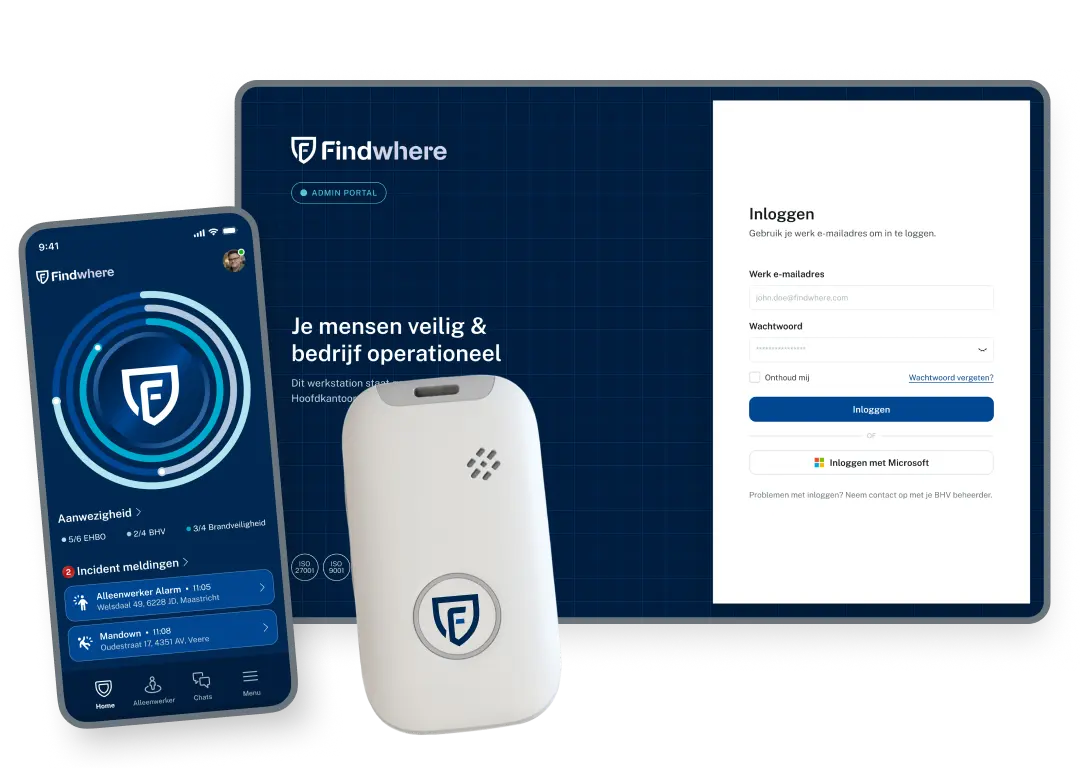
The Lone Worker app that calls for help immediately
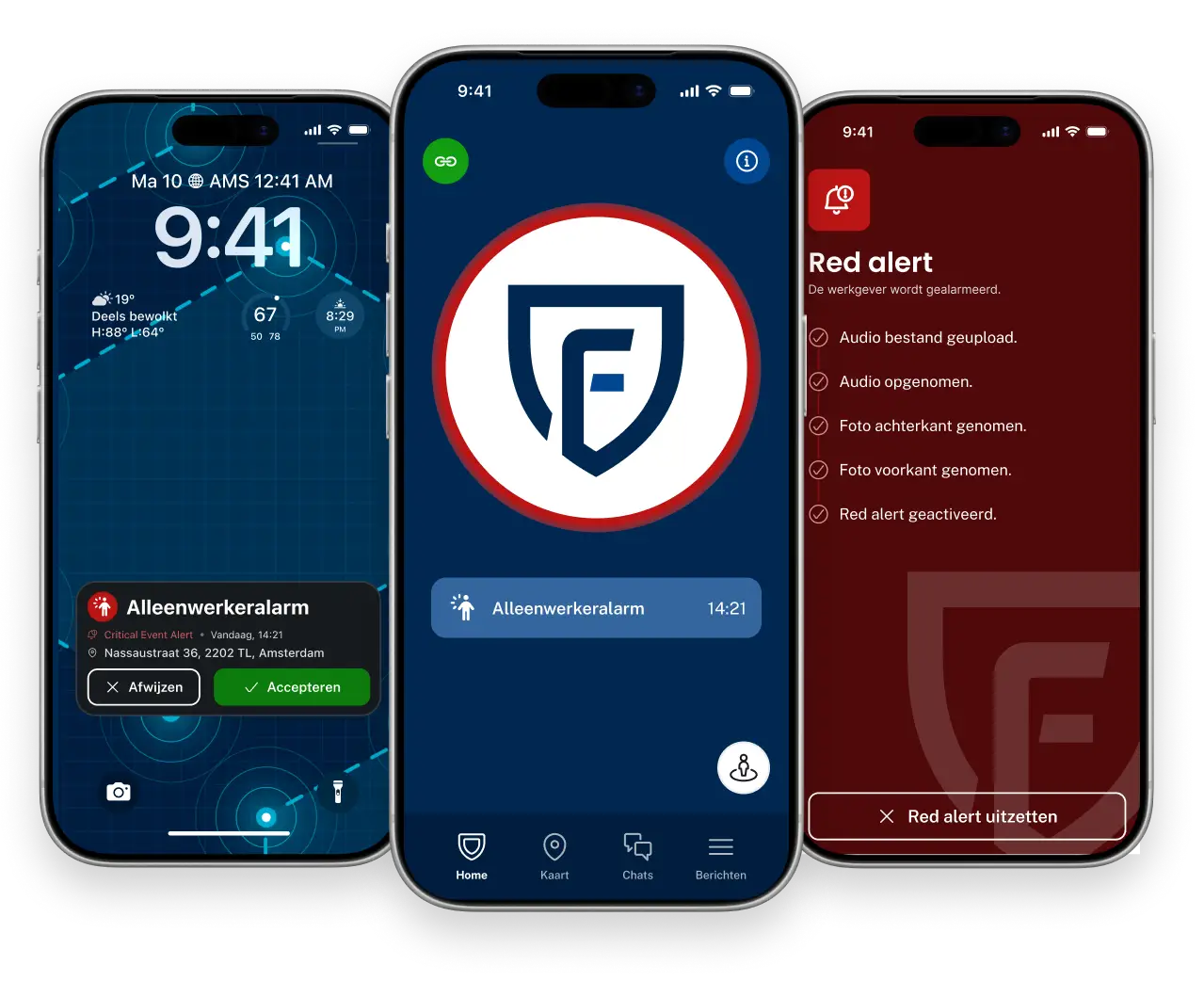
With 15 years of experience, we keep more than 70,000 people safe and organizations up and running every day












How do I know if an app is the right choice for lone workers?
 Employees carry their phones with them all the time anywayYou want to scale up quickly without having to order, distribute, and manage additional devicesYou have a flexible workforce. This includes rotating shifts, temporary workers, temporary locations, and similar situations. The risk profile is moderate. Examples include office work, on-site care, field service, facilities management, and similar roles.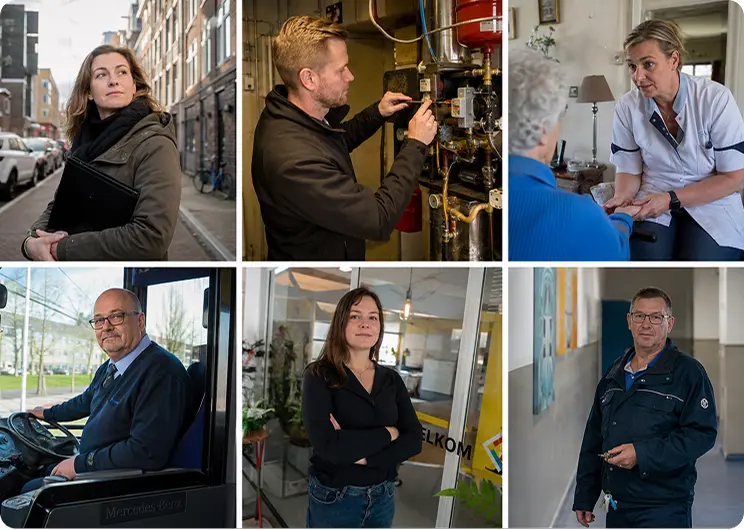
How does the Findwhere Solo Worker App work?


Alles wat je alleenwerker nodig heeft in één app
Van automatische valdetectie tot check-ins en een discreet alarm. De Findwhere Alleenwerker App combineert verschillende veiligheidsfuncties om alleenwerkers te beschermen tijdens hun werkzaamheden.
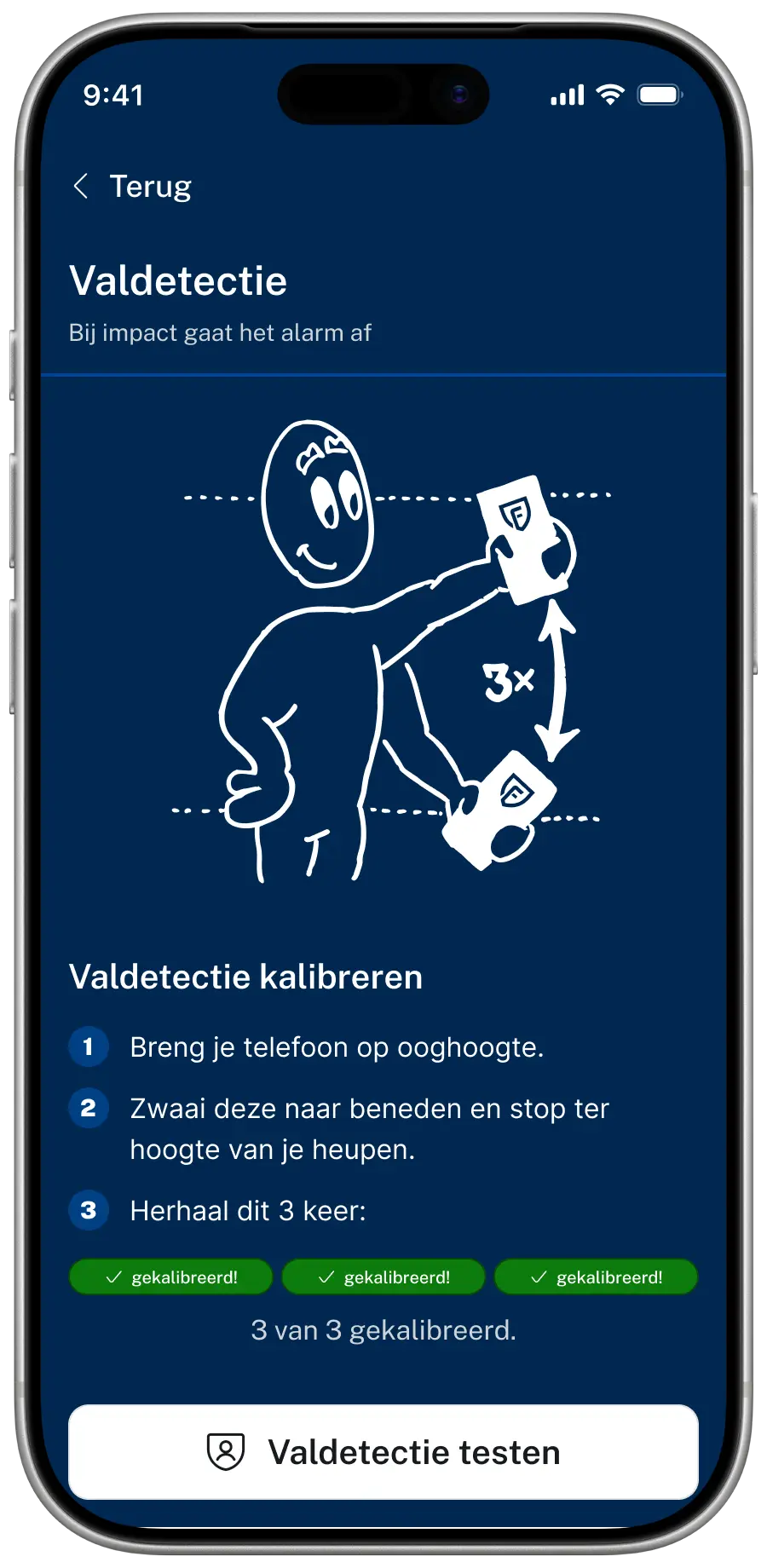
Valdetectie (mandown)
Detecteert een val en een afwijkende lichaamshouding via de sensoren in de telefoon. Met een vooralarm krijgt de medewerker eerst de mogelijkheid om een onbedoeld alarm te annuleren.
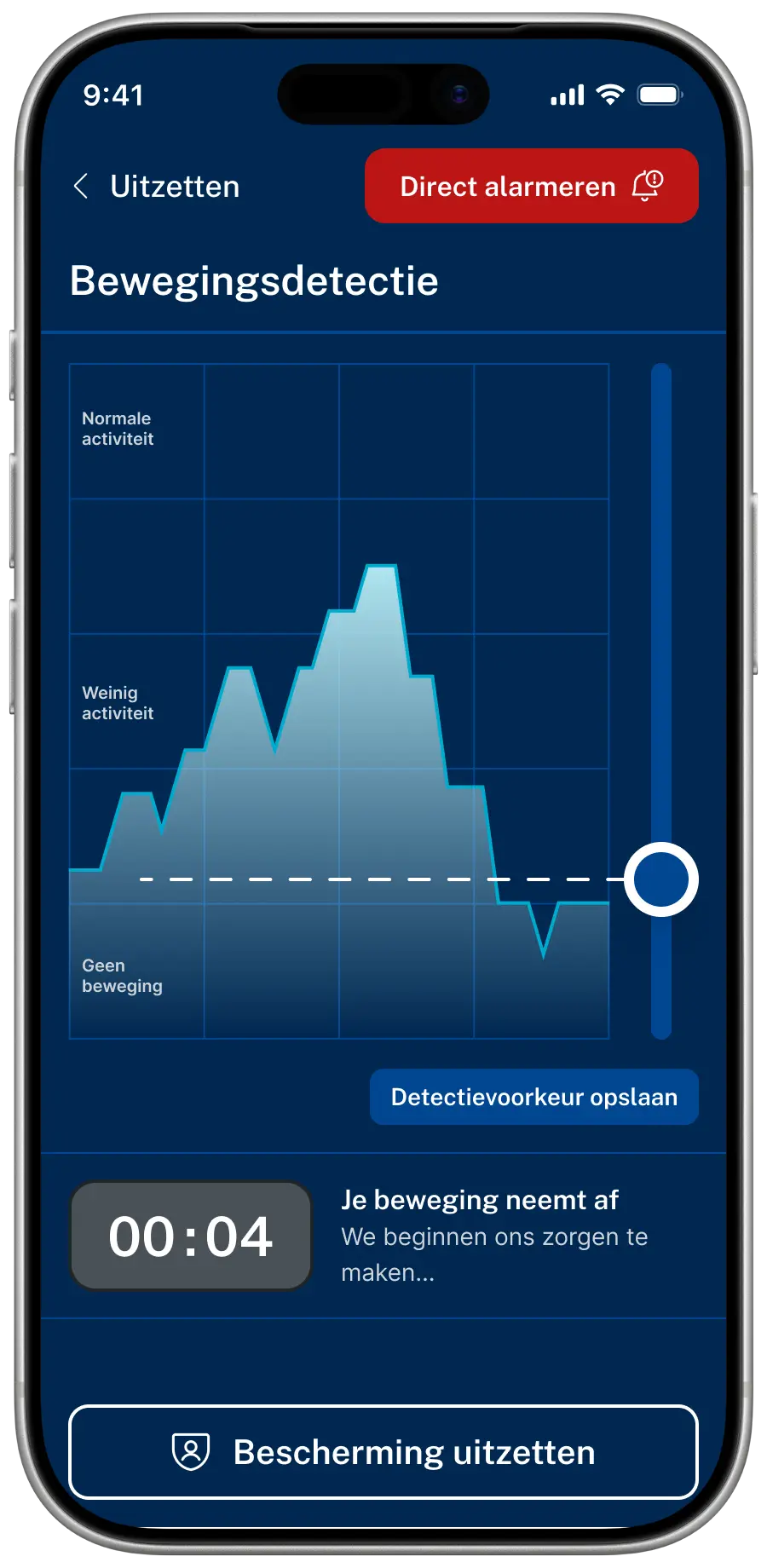
Bewegingsdetectie
Detecteert wanneer een alleenwerker gedurende een ingestelde tijd niet meer beweegt en activeert automatisch een alarm. Zo kan ook bij plotselinge onwelwording of bewustzijnsverlies snel hulp worden ingeschakeld.
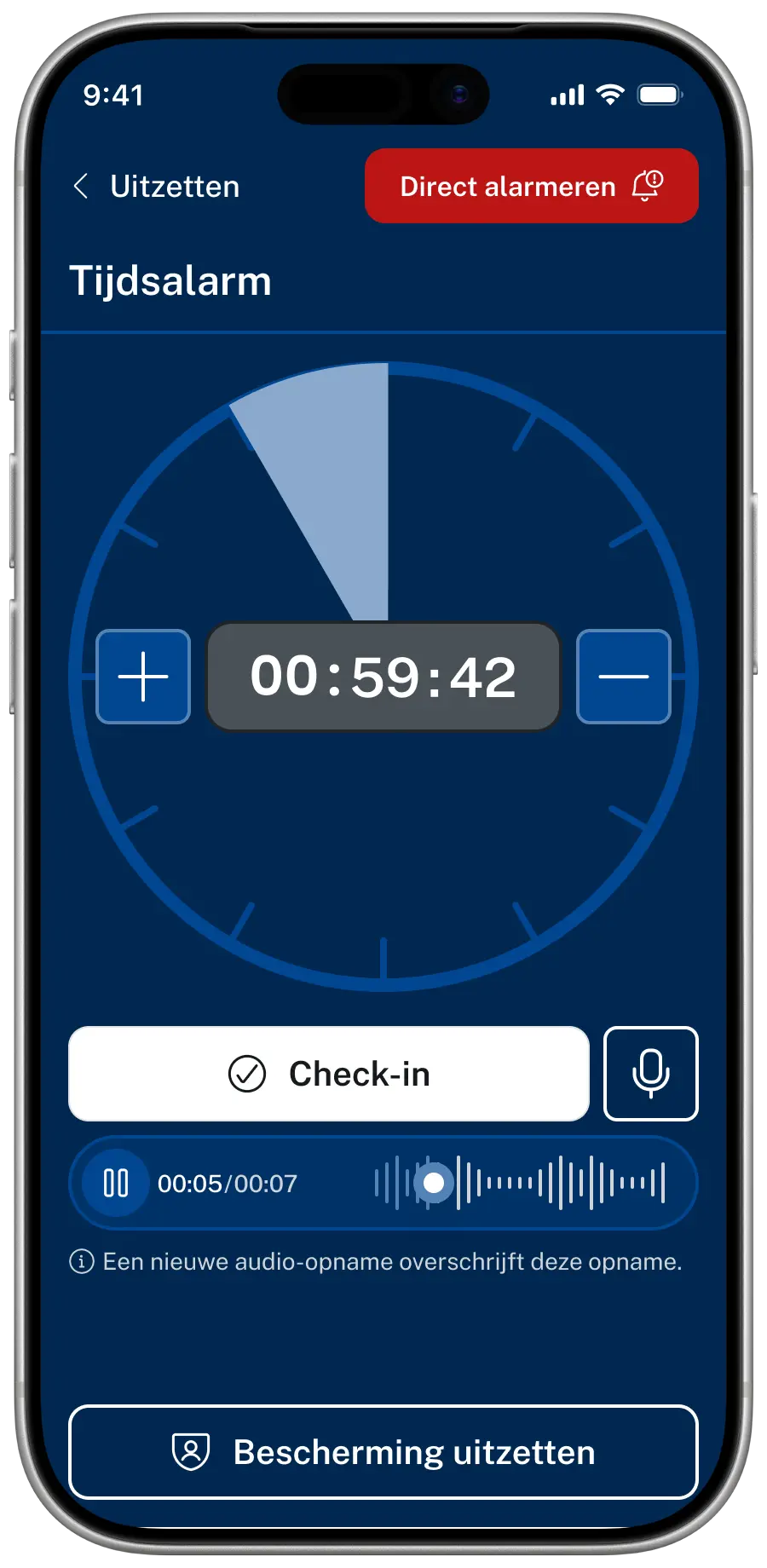
Automatische check-ins
De alleenwerker bevestigt binnen een ingestelde tijd dat alles veilig is. Blijft een check-in uit? Dan activeert de app automatisch de ingestelde alarmprocedure, zodat hulp snel kan worden ingeschakeld.
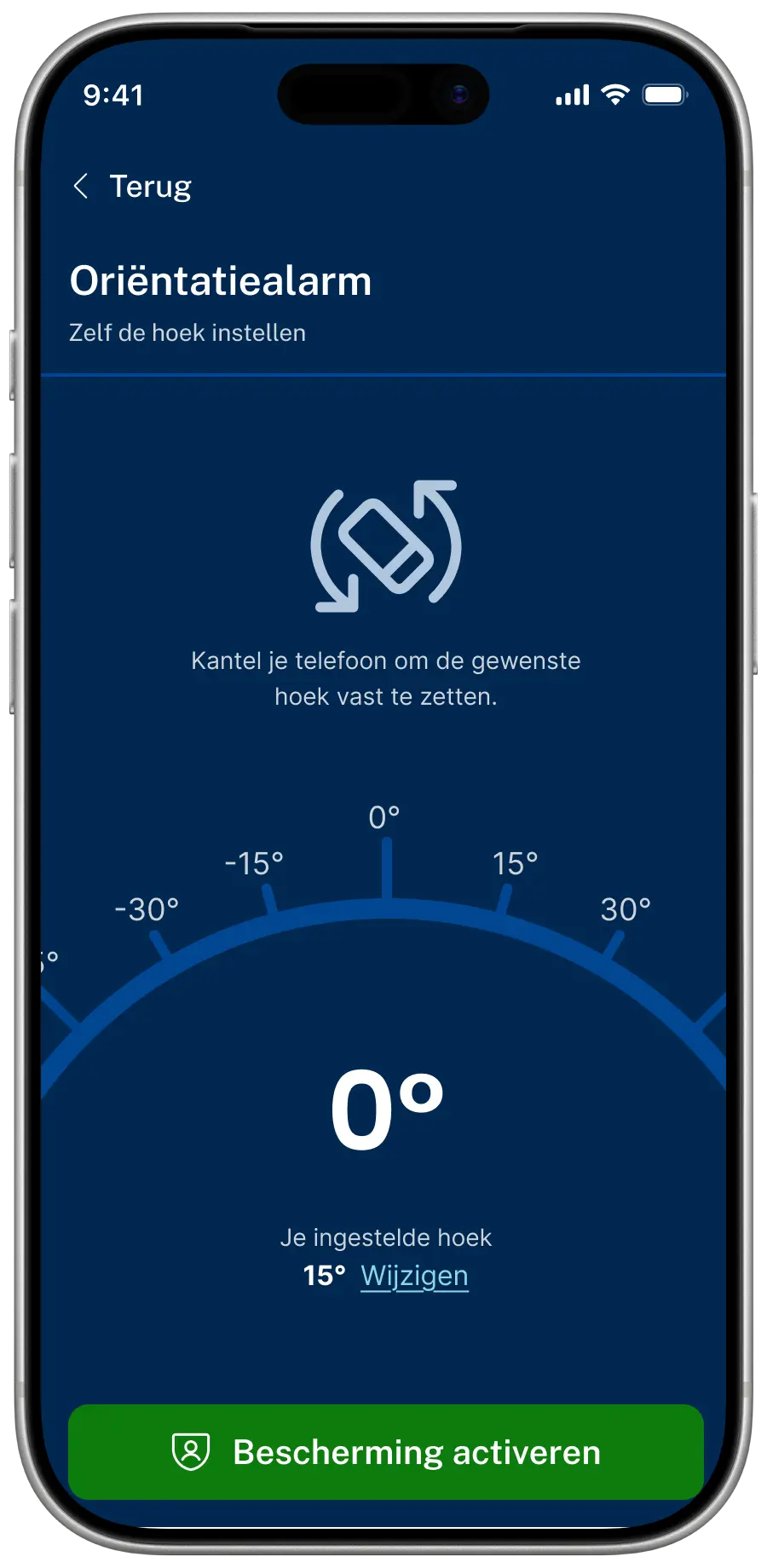
Oriëntatie alarm
De app bewaakt de ingestelde houding van de telefoon. Verandert deze houding gedurende een bepaalde tijd, bijvoorbeeld doordat een alleenwerker omvalt? Dan kan automatisch een alarm worden geactiveerd.
Can I trust the Lone Worker App when it really counts?
Ja. De Findwhere Alleenwerker App is ontworpen om ook in kritieke situaties betrouwbaar te alarmeren. Van batterijbewaking en meerdere alarmkanalen tot nauwkeurige locatiebepaling en een terugval bij beperkte dekking.

Battery Monitoring

Multi-channel Alerts

Indoor and outdoor locations
Works even with limited coverage
We’ll help you customize the lone worker solution
We’ll take a look at your situation
No-Obligation Consultation
We’ll set up the alarm response process together with you
Having trouble? Our experts are happy to help!

Findwhere has a solution for every type of lone worker
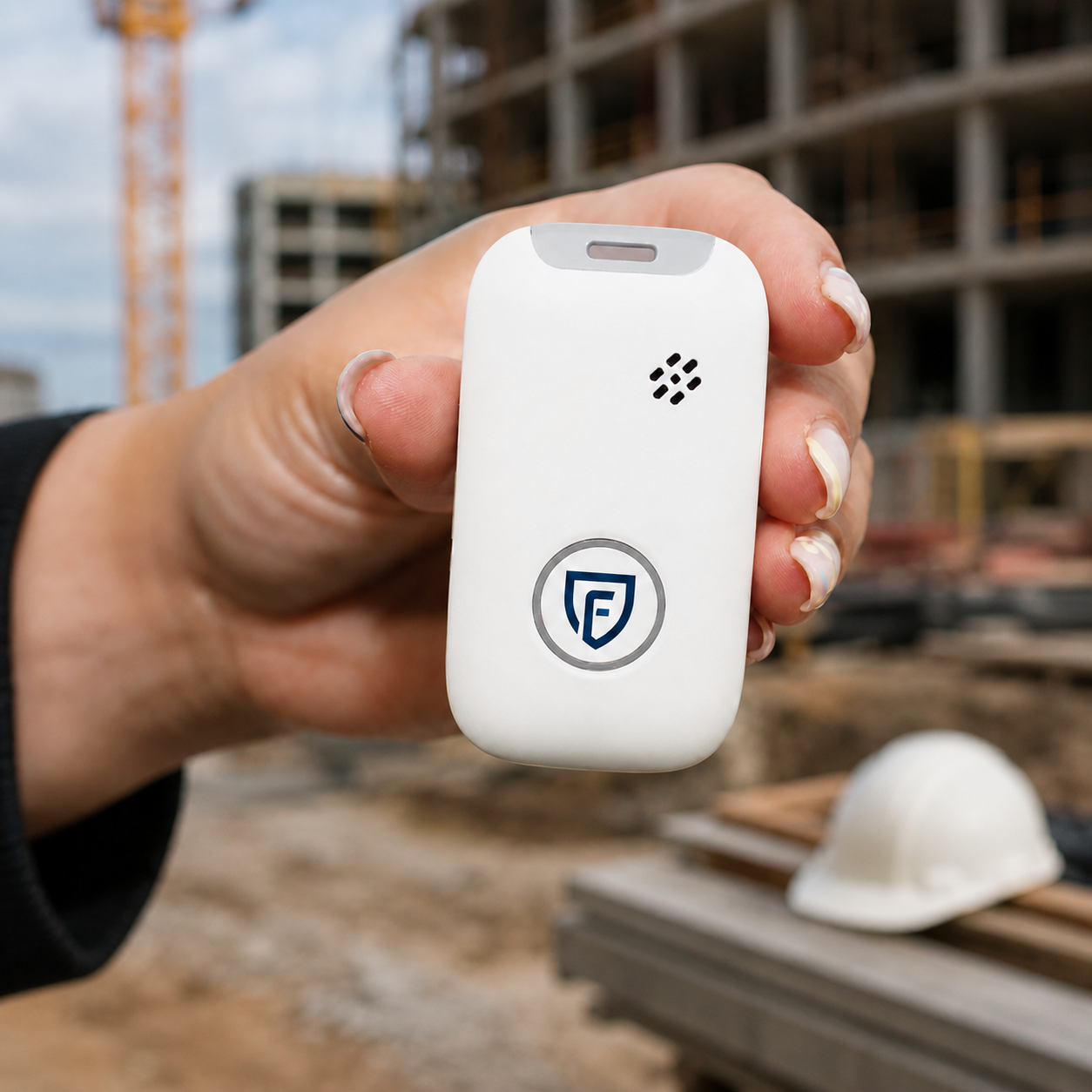
Findwhere Emergency Button
 One button, always within reachInstant emergency button, even when wearing glovesFall Protection with Automatic DetectionSpeak-and-listen connection via the deviceWorks without the employee’s phoneCan be worn on clothing, a belt, or a lanyard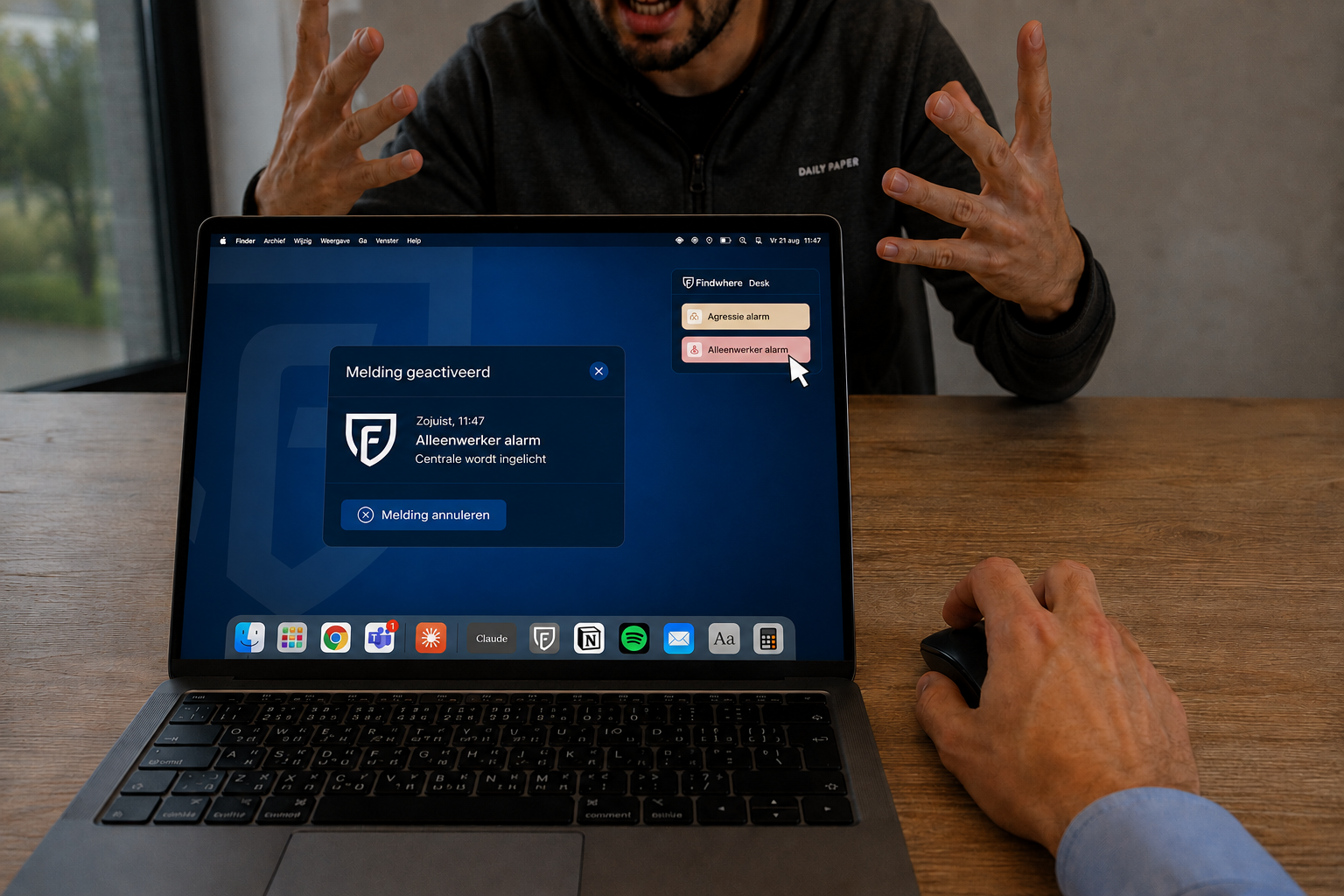
Discreet Aggression Alert System
Silent alarm via wristband or workstationWorks on any laptop or tabletSpace and workstation level in the reportListen in to assess the situationSame functionality as the app and the emergency buttonAnswers to Your Questions
No, an emergency button is not required by law. However, as an employer, you are responsible for providing a safe work environment, including for employees who work alone. The Risk Inventory and Evaluation (RI&E) must identify the risks present and the measures required. With Findwhere’s Lone Worker solution, employees can quickly call for help in an emergency.
The Findwhere Lone Worker app features fall detection. When the app detects a possible fall, an alarm can be triggered automatically. This allows help to be summoned even if an employee is unable to press the emergency button themselves. The sensitivity of the fall detection feature is adjustable.
The Findwhere Lone Worker app offers various settings to limit unnecessary alerts. For example, you can adjust the sensitivity of the fall detection feature to suit your employees’ work activities. You can also configure motion and posture monitoring. This allows you to tailor the protection to the work situation and reduce the likelihood of unnecessary alerts.
Do you have another question?