Corporate security directly from Microsoft Teams

The Findwhere Platform provides the flexibility to respond directly from Teams to any potential disaster and take preventive measures.
Microsoft Teams computer screen shows six incident buttons from Findwhere integration in two rows with fire mandown first aid on the left and unwell person person with stabbing weapon aggressive person on the right where each button has its own color and icon for immediate action by FAFS teams

Activate protocols directly without switching apps

Findwhere runs entirely within Teams. Start protocols, execute actions and communicate – all from one familiar environment. No confusion, no delays.
Protocols tailored to your teams and risks.
Direct activation from Teams interface.
Automatic scaling up in the absence of response.
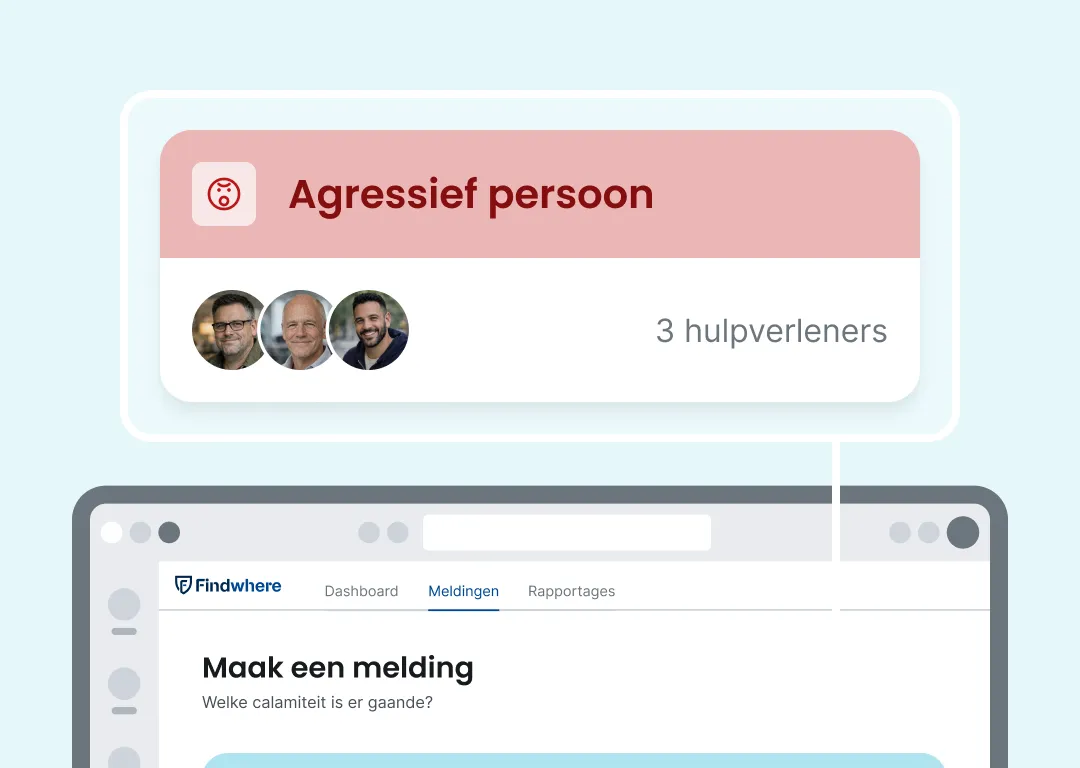
Red alert in Microsoft Teams for aggressive person with text that at least 3 skills are needed on site with Findwhere notification hovering above the normal notification screen to draw immediate attention to this urgent FAFS situation
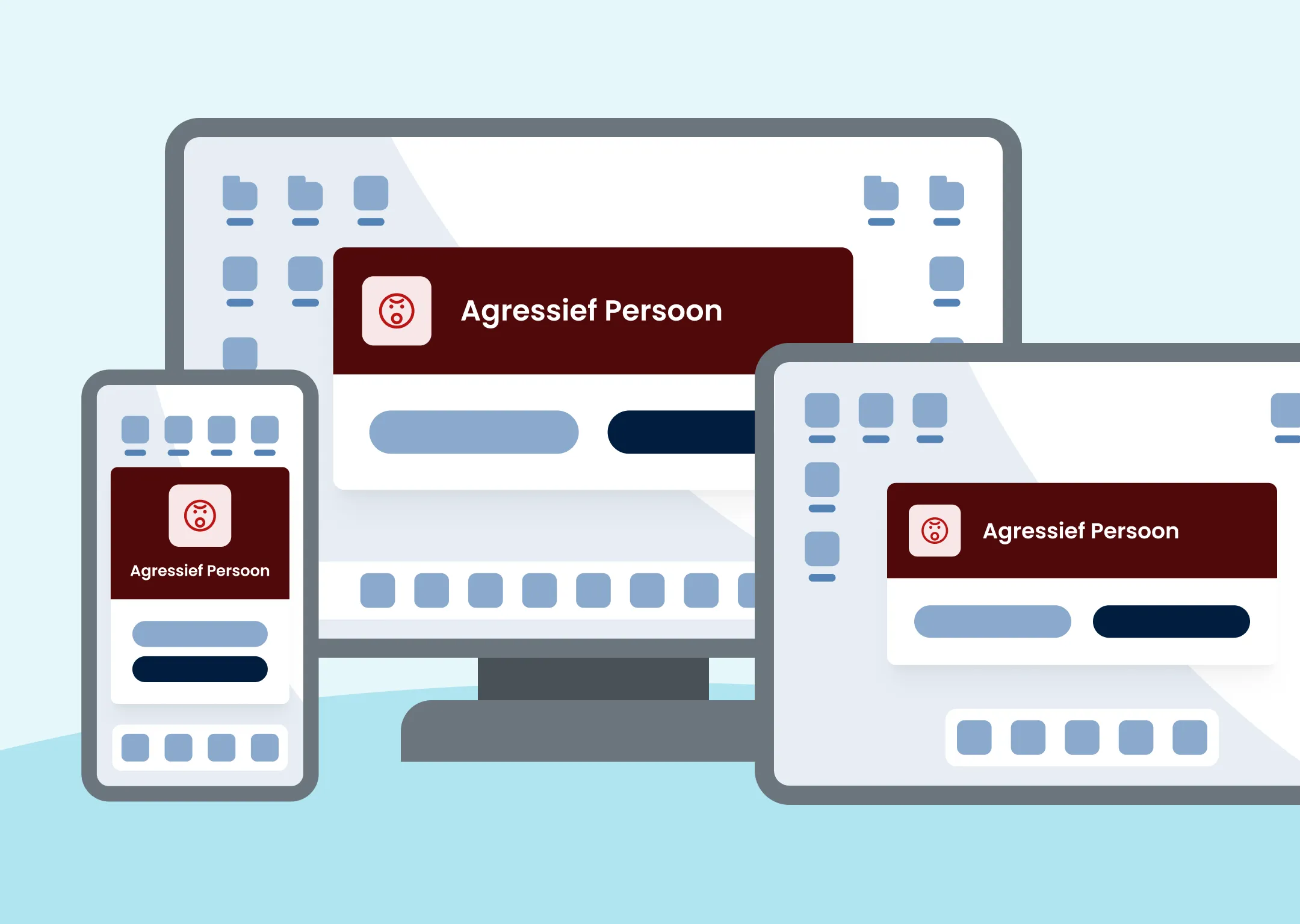
Teams Notifier from Findwhere with urgent notification on desktop, tablet and smartphone

Notifications you never miss

The Teams Notifier always appears on top – even during presentations or videocalls. Critical notifications are guaranteed to get attention when seconds count.
Always visible on top of other applications.
Direct action buttons in the notification.
Prioritization based on urgency.

Teams integration centralizes control without added complexity

More secure without expansion of hardware and software. Integrates well with existing systems.
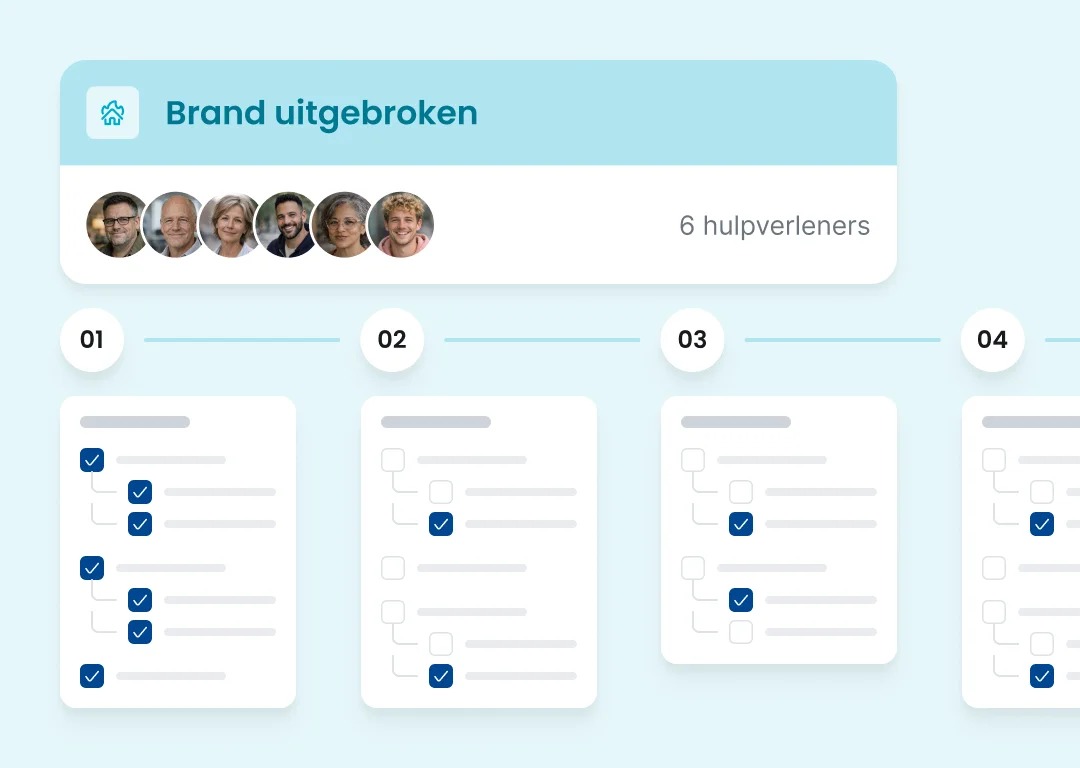
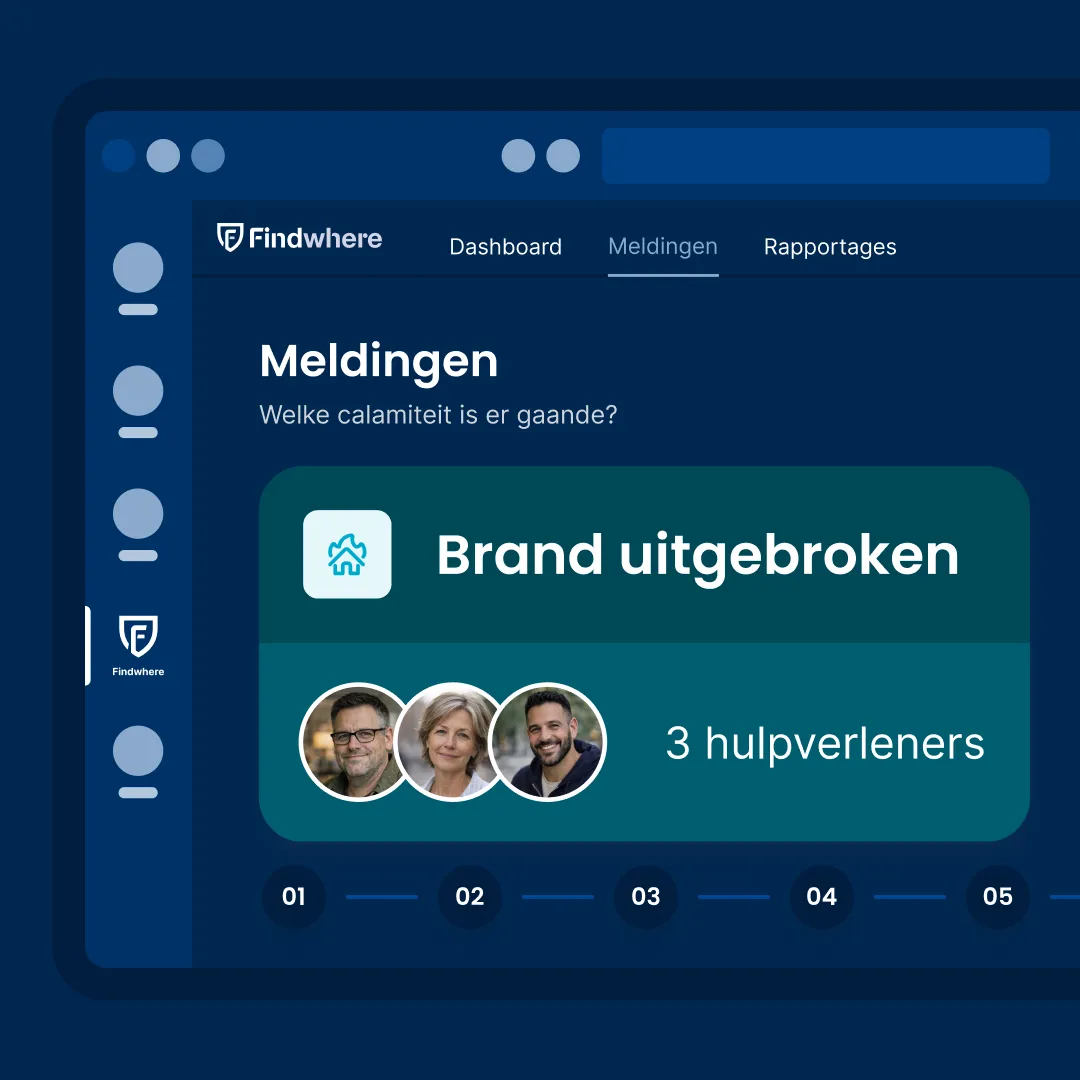
Brandprotocol voortgang: 4 responsfases met taken checklijst voor BHV-coördinatie

Real-time overview and insight

Monitor actions, progress and who is doing what. Full visibility during any emergency.
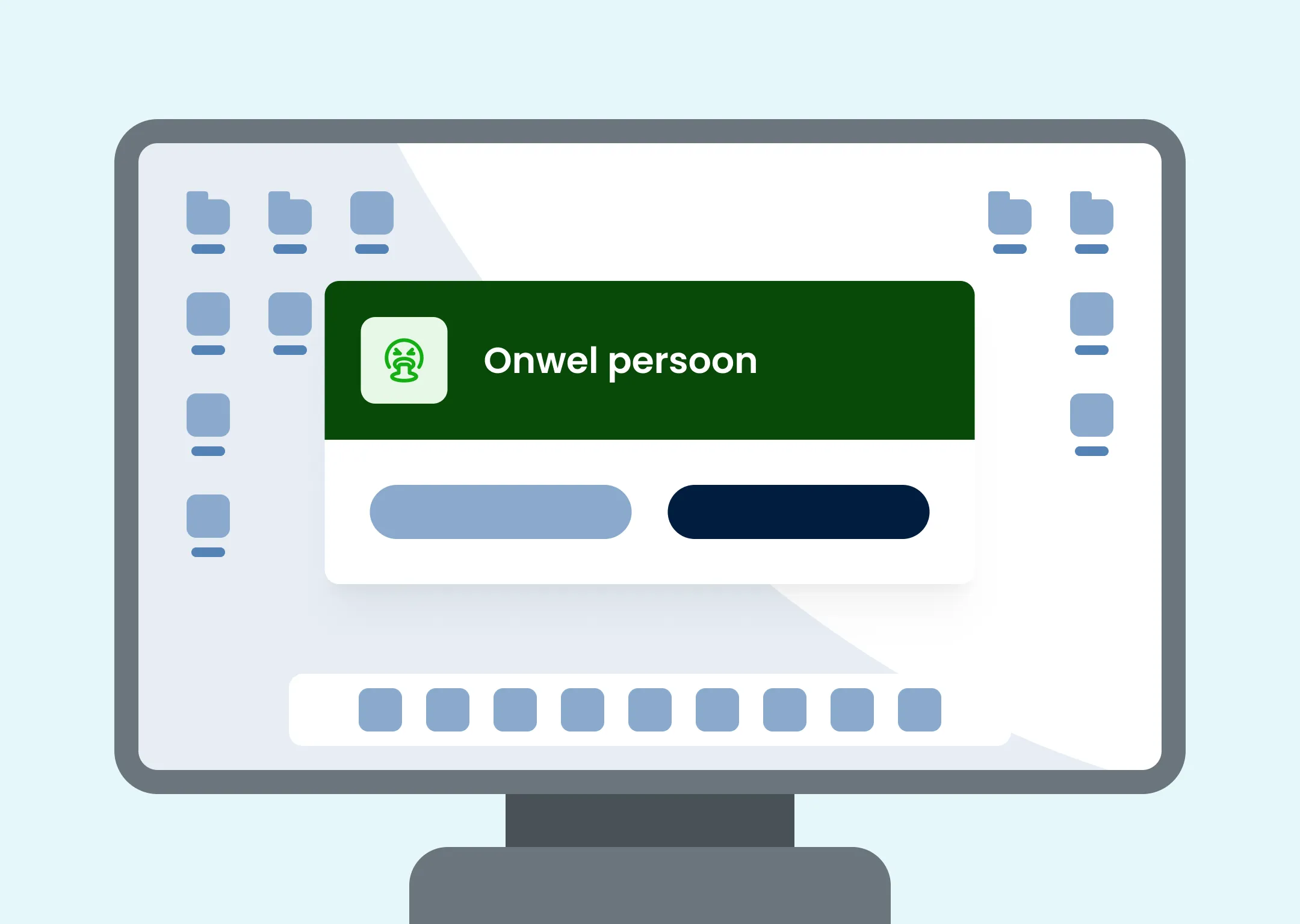
Microsoft Teams scherm met groene melding voor onwel persoon via Findwhere integratie waarbij teamleden met annuleer en accepteer knoppen kunnen reageren en onderaan negen teamposities zichtbaar zijn voor snelle opschaling tijdens medische noodsituaties

Never miss a notification

Notifications appear above any window – even during presentations or videocalls. No second delay.
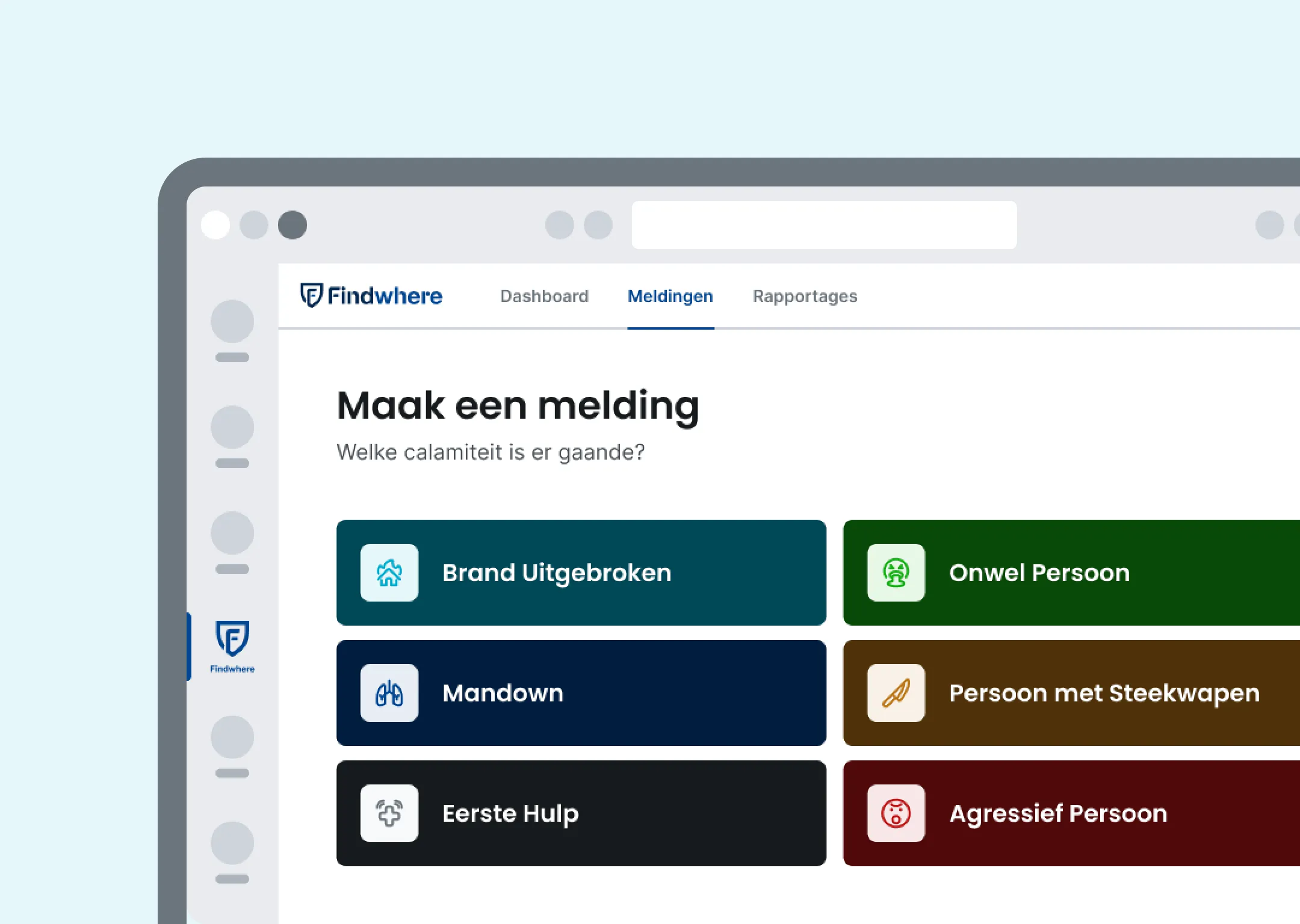
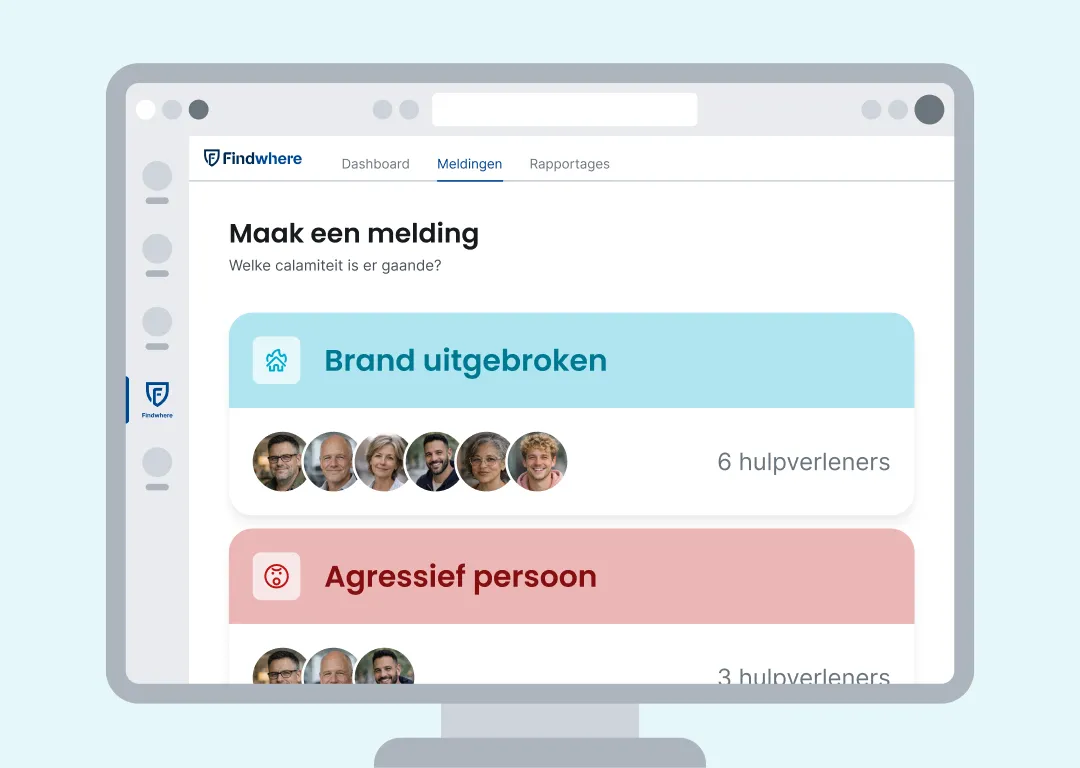
Visual van scherm van Findwhere MS-Teams module

Alarm directly from Teams

Initiate protocols, call for help and inform colleagues without leaving your Teams environment.
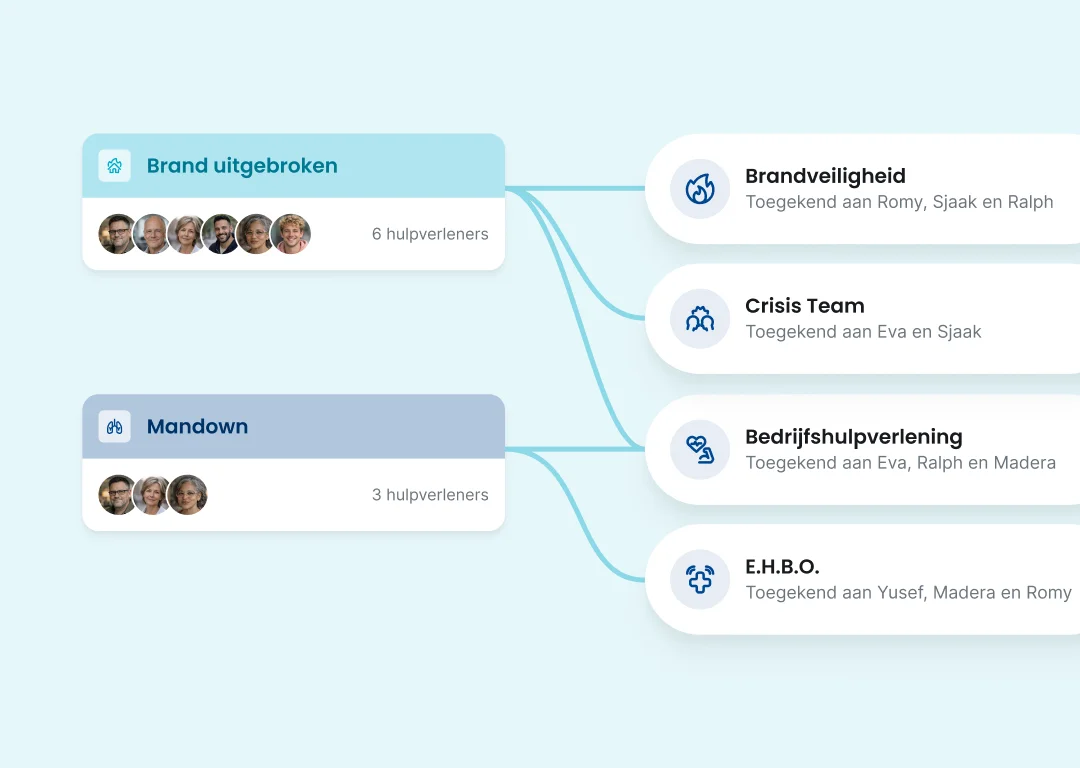
Diagram waar vaardigheden zijn gekoppeld aan protocollen, voor een gerichte bedrijfshulpverlening inzet.

Location-specific deployment

The appropriate team is automatically called based on location, role and availability.
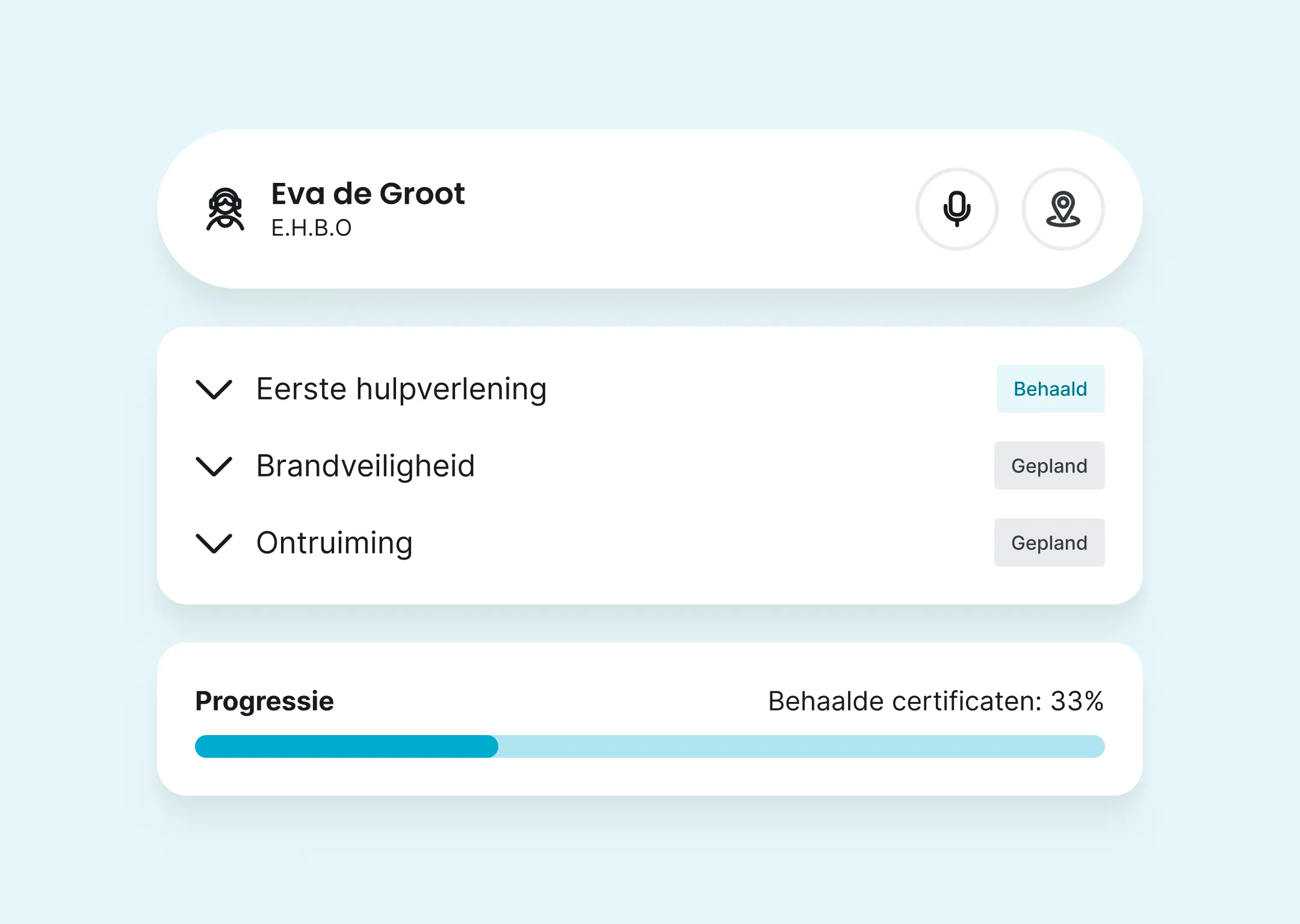
Geïntegreerd certificaatbeheer van Findwhere in Microsoft Teams voor BHV-profielen en certificaten

Certificate management integrated

Manage profiles, certifications and deployments directly from Microsoft Teams.

Drie type apparaten met een vink

Safer from any PC

Teams integration without additional hardware or installations. Runs directly within your existing Teams environment.

70,000+ people with a safer workplace

Why People and Organizations Have Chosen Findwhere

“Thanks to the Findwhere app, we at Van der Valk Breukelen have made tremendous progress in our FAFS organization. Whereas incident reporting and coordination used to be time-consuming and sometimes confusing, we now have a single, clear, user-friendly system that gives us immediate insight into FAFS incidents and reports. We are extremely satisfied with the Findwhere app and the positive impact it has had on our organization.”
S. Oudwater, Facility Manager at
“By using the Findwhere FAFS platform, the appropriate protocol is immediately activated in the event of an emergency or incident. The FAFS responders designated in the protocol are immediately alerted, thereby minimizing unnecessary deployments.”
D. van Campen
EHS & Facilities Supervisor
“Findwhere is an ideal solution for our company, given that we have 11 locations nationwide. It’s very customer-friendly, and they’re open to making any business-oriented adjustments. It stands out (in a positive way) from other providers in several respects. I would definitely recommend it to others who are still looking for an app to enhance workplace safety.”
J. Leider,
, Head of Emergency Response
“With Findwhere, various scenarios can be initiated at the locations, enabling an appropriate response to unexpected events. The use of QR codes makes it easy for anyone to raise an alarm. The ability to track the availability of FAFS team members is used to ensure the right number of them are trained.”
R. Elenbaas
Occupational Health and Safety Advisor / Prevention Specialist
Krijg je hele organisatie mee

No hidden issues. Your colleagues’ privacy and safety are always paramount.

ISO 27001 & ISO 9001

ISO Certified. Up-to-date with legal requirements and regulations. Privacy is paramount.

Predictable costs

Flat fee of €3 per user, per month. No unexpected expenses for your security.

Setup within 24 hours

We set it up for your organization in less than a day. Fully operational within two weeks.

Support

No more time spent on manual FAFSA administration and running reports.

Smooth integration

Integration with Microsoft Teams and existing systems possible.

Scalable

Grows with the organization without additional hardware investments.