Complete protection
for lone workers
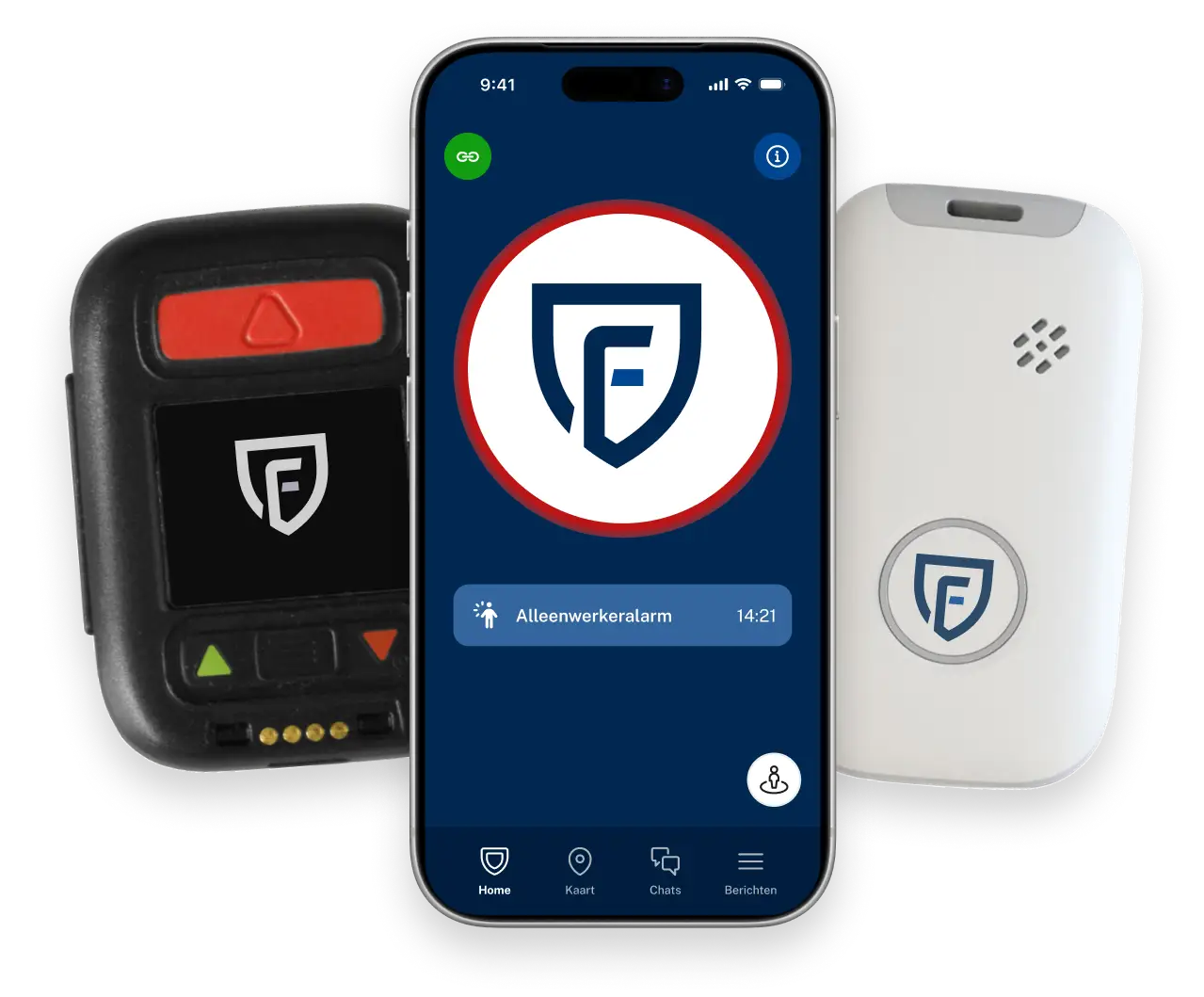
With 15 years of experience, we keep more than 70,000 people safe and organizations up and running every day












Wat is een alleenwerker?
Working alone occurs in many more situations than you might think:
 A repairman who goes up on the roof alone early in the morning.A healthcare worker making a home visit on their own.A janitor making his final rounds at the end of the day.A receptionist who is the last person to lock up the building.
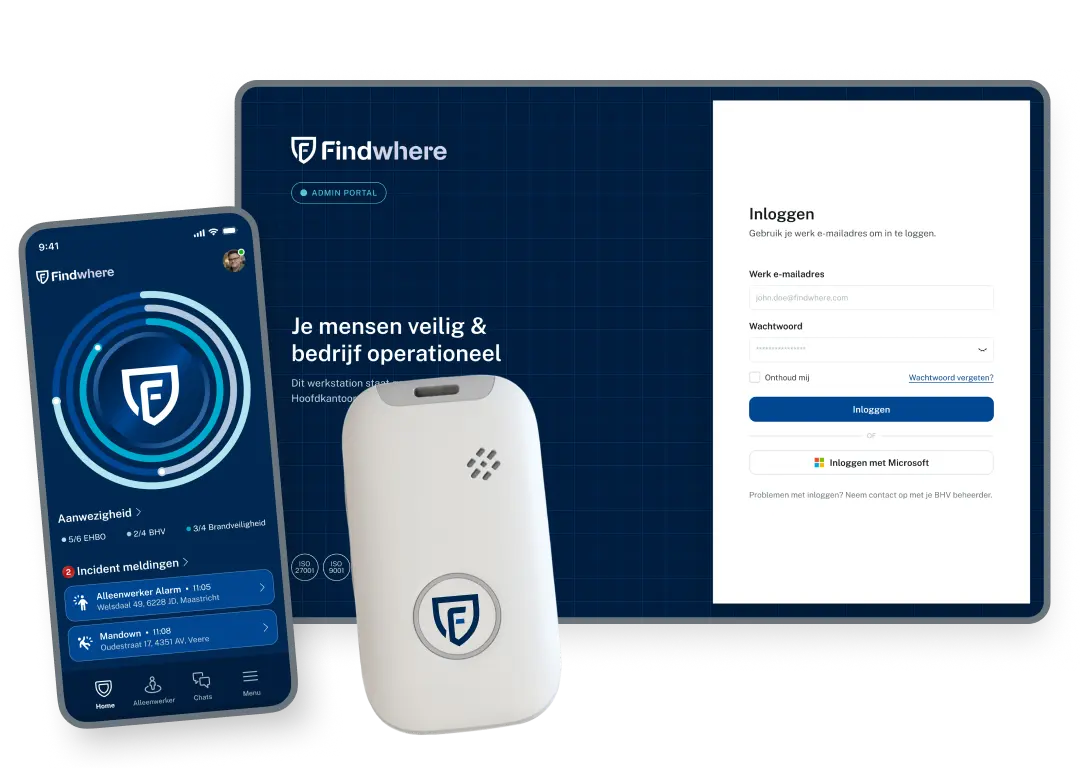
No matter the situation, your lone workers are protected
How does Findwhere protect solo workers?


We’ll help you customize the lone worker solution
We’ll take a look at your situation
No-Obligation Consultation
We’ll set up the alarm response process together with you
Findwhere has a solution for every type of lone worker
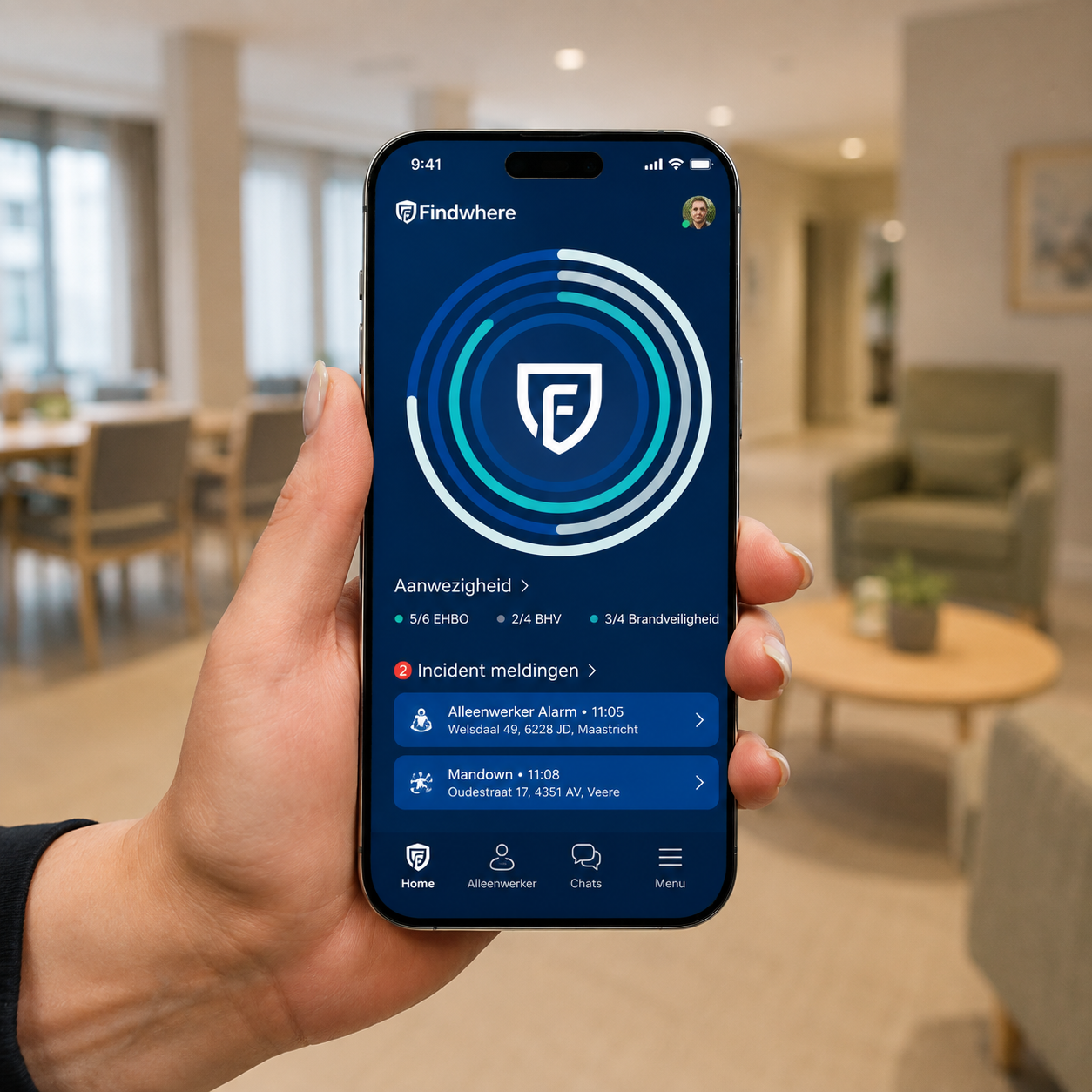
Findwhere Solo Worker App
 Manual alarm and discreet silent alarmFall and Tilt Detection with Pre-alarmTwo-way audio connection with the successorCheck-ins and a timer for high-risk activitiesIndoor and outdoor location tracking, with geofencing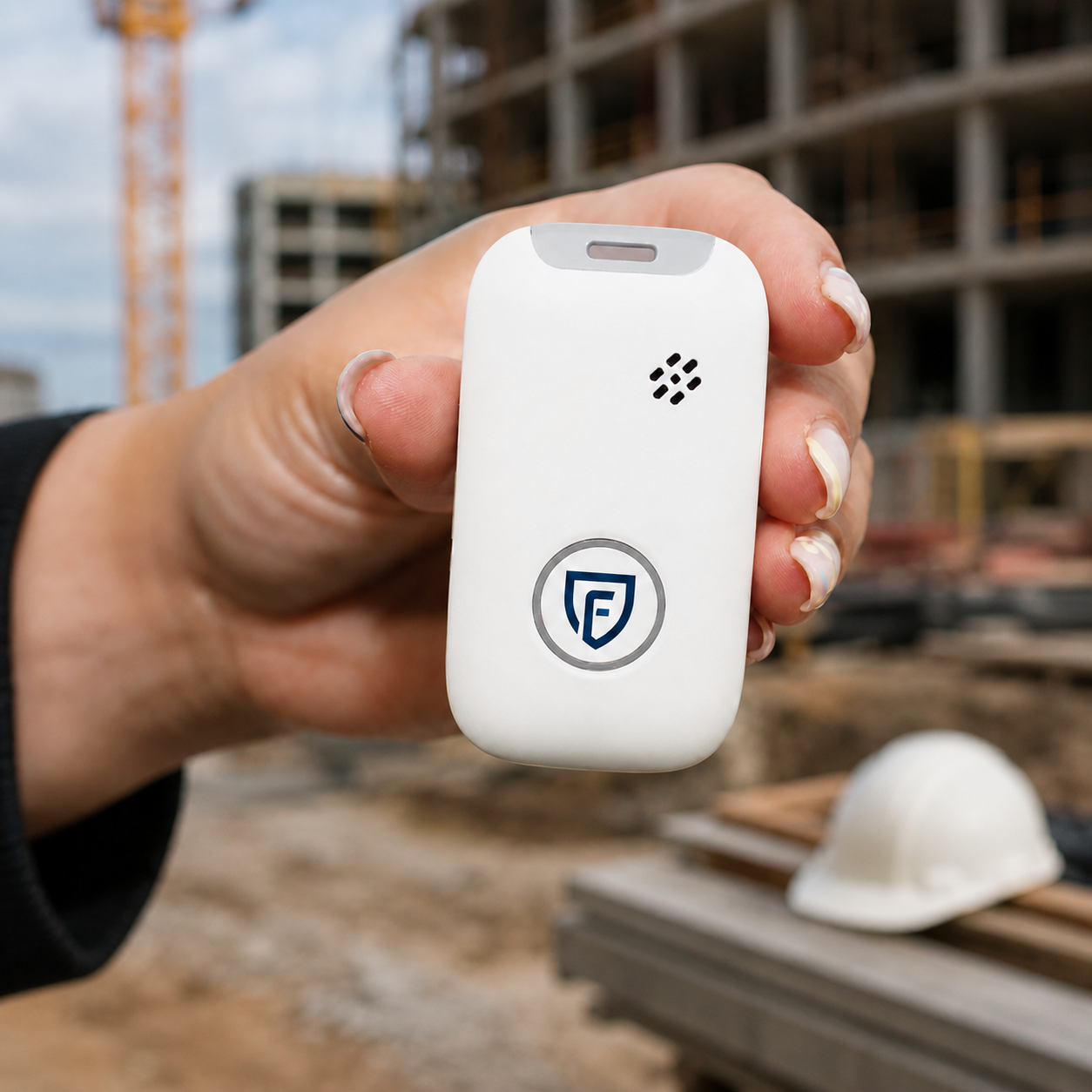
Findwhere Emergency Button
One button, always within reachInstant emergency button, even when wearing glovesFall Protection with Automatic DetectionSpeak-and-listen connection via the deviceWorks without the employee’s phoneCan be worn on clothing, a belt, or around the neck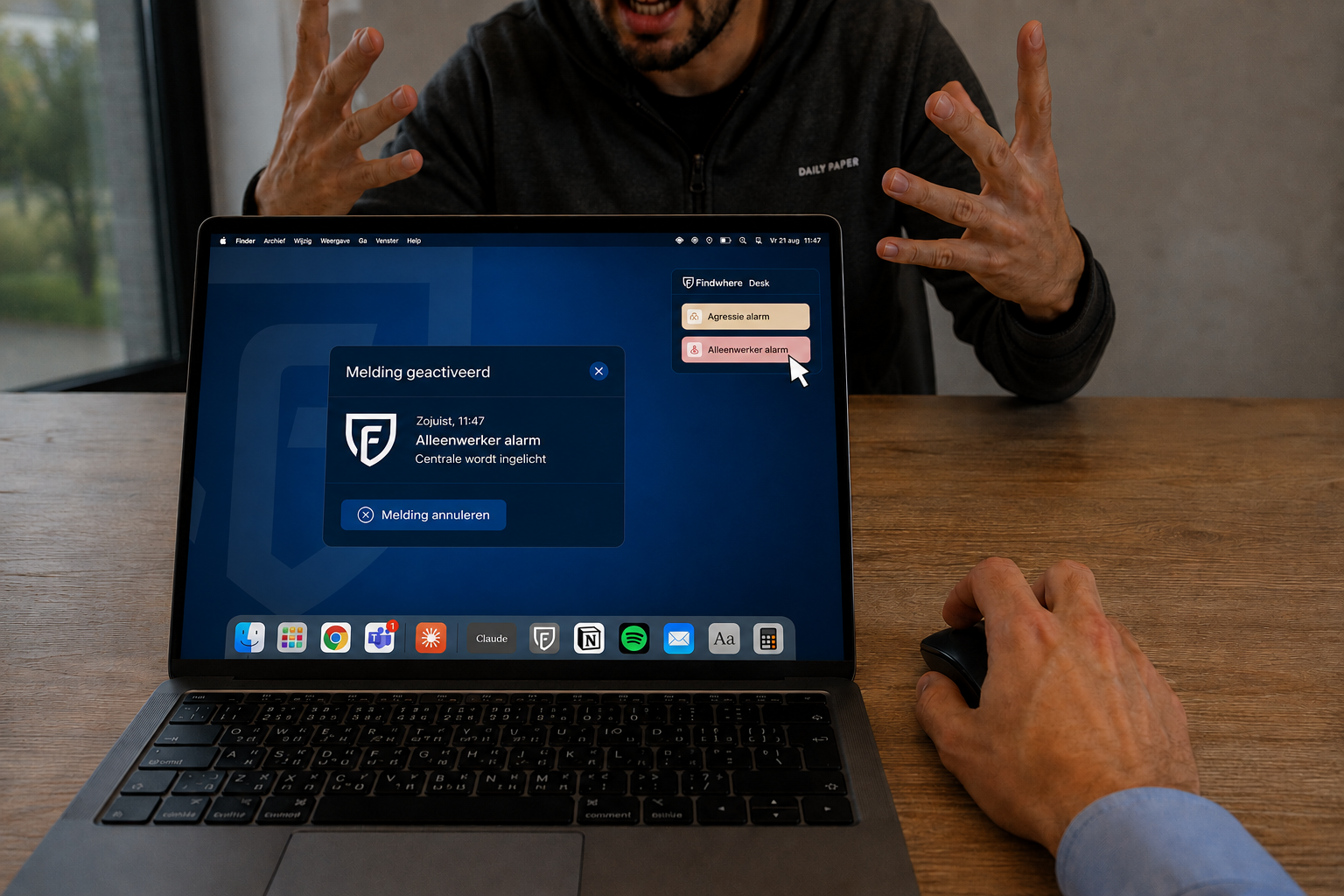
Discreet Aggression Alert System
Silent alarm via wristband or workstationWorks on any laptop or tabletSpace and workstation level in the reportListen in to assess the situationSame functionality as the app and the emergency buttonHaving trouble? Our experts are happy to help!

Answers to Your Questions
Working alone means that an employee performs tasks without a colleague nearby to provide assistance. Depending on the nature of the work and the associated risks, additional safety measures may be necessary.
Findwhere combines automatic detection, check-ins, alerting, and location tracking. In the event of an incident, an alert can be sent automatically or manually, allowing the designated emergency responders to spring into action quickly.
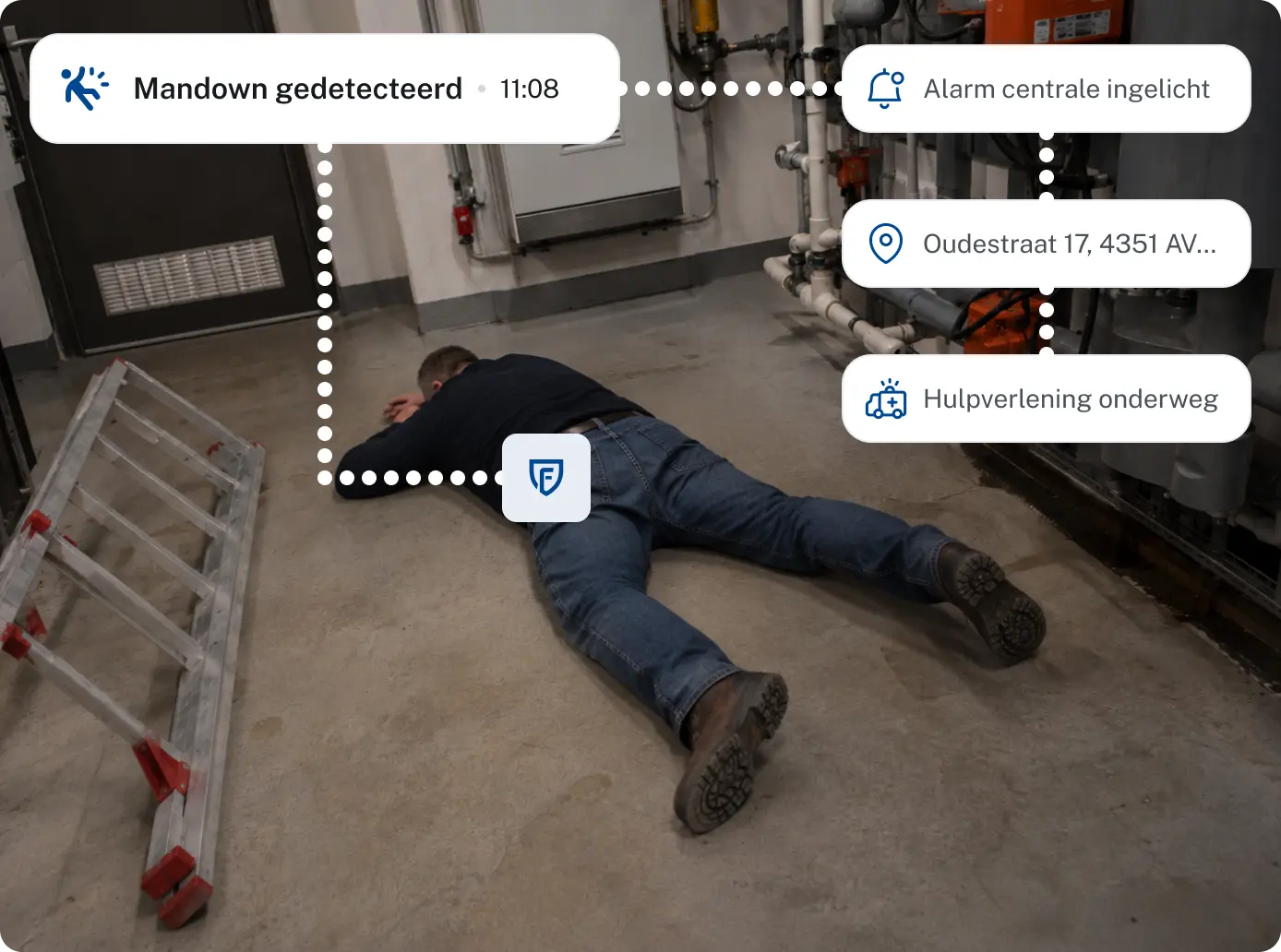
Findwhere can detect a fall, lack of movement, or a missed check-in. If the employee is unable to activate an alarm themselves, a notification can be automatically sent to the designated alarm response team.
Yes. An employee can raise the alarm using the Findwhere app or a linked emergency button. In situations such as aggression or threats, this can also be done discreetly with a silent alarm.
When an alarm is triggered, the employee’s location can be transmitted along with the alert, so that emergency responders know where the incident is occurring and can take targeted action.
Employers must assess the risks associated with working alone and take appropriate measures. Whether an emergency button is necessary depends on the nature of the work, the risks involved, and the results of the RI&E.
Lone worker safety measures can be implemented in sectors such as healthcare, engineering, logistics, manufacturing, security, and field service—especially when employees are working outside the immediate reach of their colleagues.