Evacuation Step-by-Step Plan
Ensure a safe and orderly evacuation

What is an evacuation plan?
 when an evacuation is initiated;who is responsible for what;where people gather;How do we check to make sure everyone is safely outside?;How do we collaborate with emergency services?
Why is an evacuation plan important?
Employees don’t know which exit to use;Emergency response team members don’t know who is already on the way;Attendees are checked off manually;visitors disappear from view;Communication takes place through various channels;No one has a real-time overview.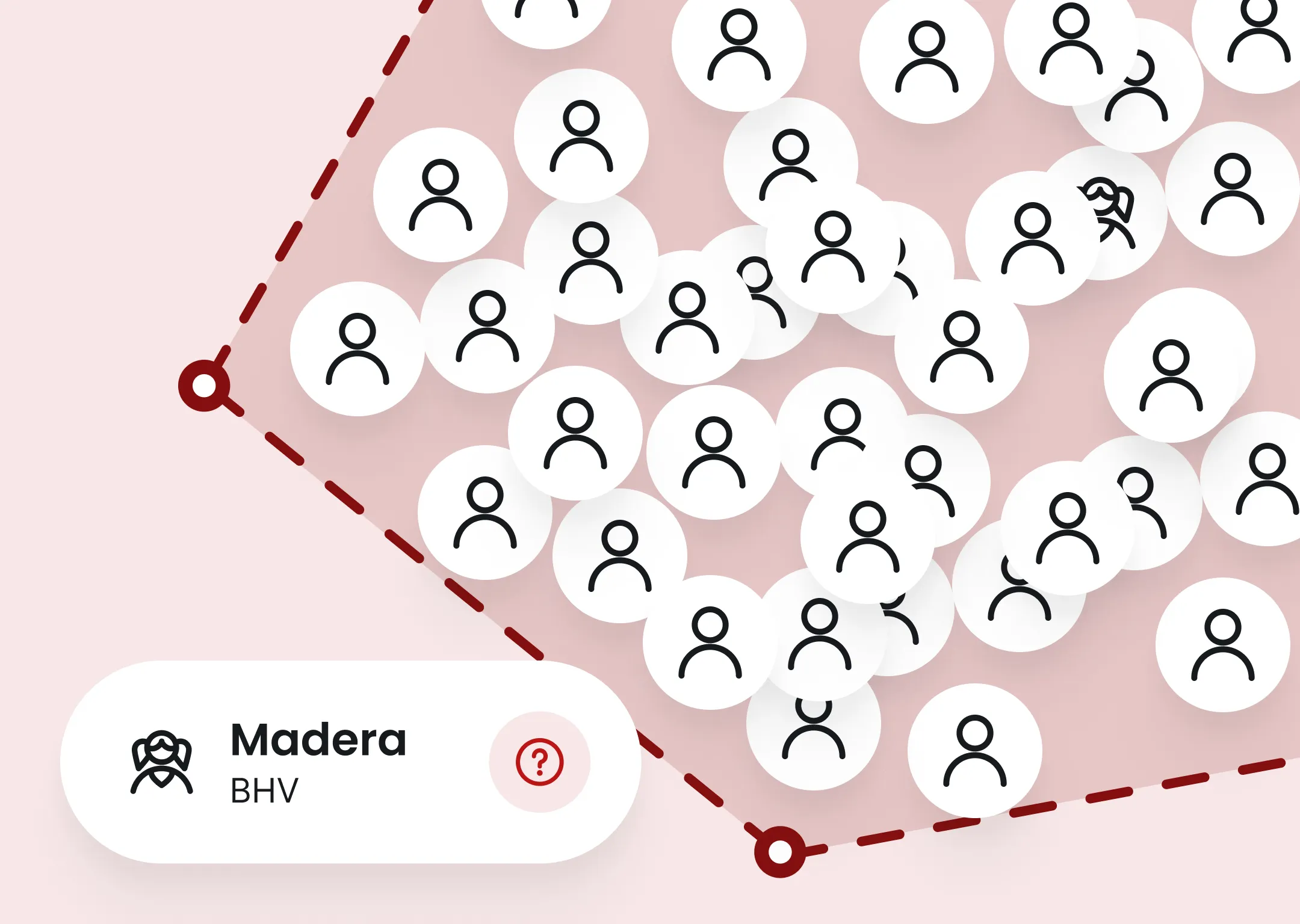
When is an evacuation plan required?

10-Step Evacuation Plan
1. Recognize the emergency
2. Alert the appropriate emergency response team members immediately
3. Activate the evacuation protocol
4. Guide everyone safely outside
5. Check all areas systematically
6. Be mindful of vulnerable individuals
7. Collect and record
8. Convey the situation clearly
9. Communicate throughout the incident
10. Evaluate and Improve
Here’s how Findwhere supports your organization during an evacuation

Why organizations choose Findwhere
An advanced and user-friendly platformFlexible design for any organizationFast and secure implementationScalability from a single location to multiple sitesSeamless integrations with existing systemsContinuous innovation and developmentAnswer your questions
An evacuation plan describes, step by step, how an organization safely and in an orderly manner evacuates a building during an emergency. The plan specifies who is responsible, how employees are alerted, which escape routes are used, and where everyone is to assemble. Organizations that use Findwhere can digitize these procedures so that alerts, communication, and task assignment are handled automatically from a single central emergency response platform.
Under the Working Conditions Act, employers are required to take appropriate measures for emergency situations. Depending on the building and its intended use, an evacuation plan may also be required under the Building and Living Environment Decree (Bbl). With Findwhere, you can manage evacuation protocols digitally, making it easy to implement changes and ensuring that employees always have access to the most up-to-date procedures.
An evacuation plan outlines the entire organizational framework for an evacuation, including responsibilities, communication channels, and procedures. An evacuation step-by-step guide focuses on the practical implementation during an incident. Within Findwhere, both components can be integrated into a single digital platform, ensuring that protocols are immediately available when every second counts.
The employer remains ultimately responsible for ensuring a safe work environment. In practice, the emergency response coordinator, facility manager, occupational health and safety officer, or safety specialist is often responsible for developing, maintaining, and conducting drills for the evacuation plan. With Findwhere, they can manage protocols, direct emergency response team members, and monitor the availability of first responders in real time.
A good evacuation plan includes, among other things, the alert procedure, roles and responsibilities, evacuation routes, assembly points, communication with emergency services, and a post-incident evaluation. Within Findwhere, all these elements can be consolidated into digital protocols that are automatically triggered as soon as an incident is reported.
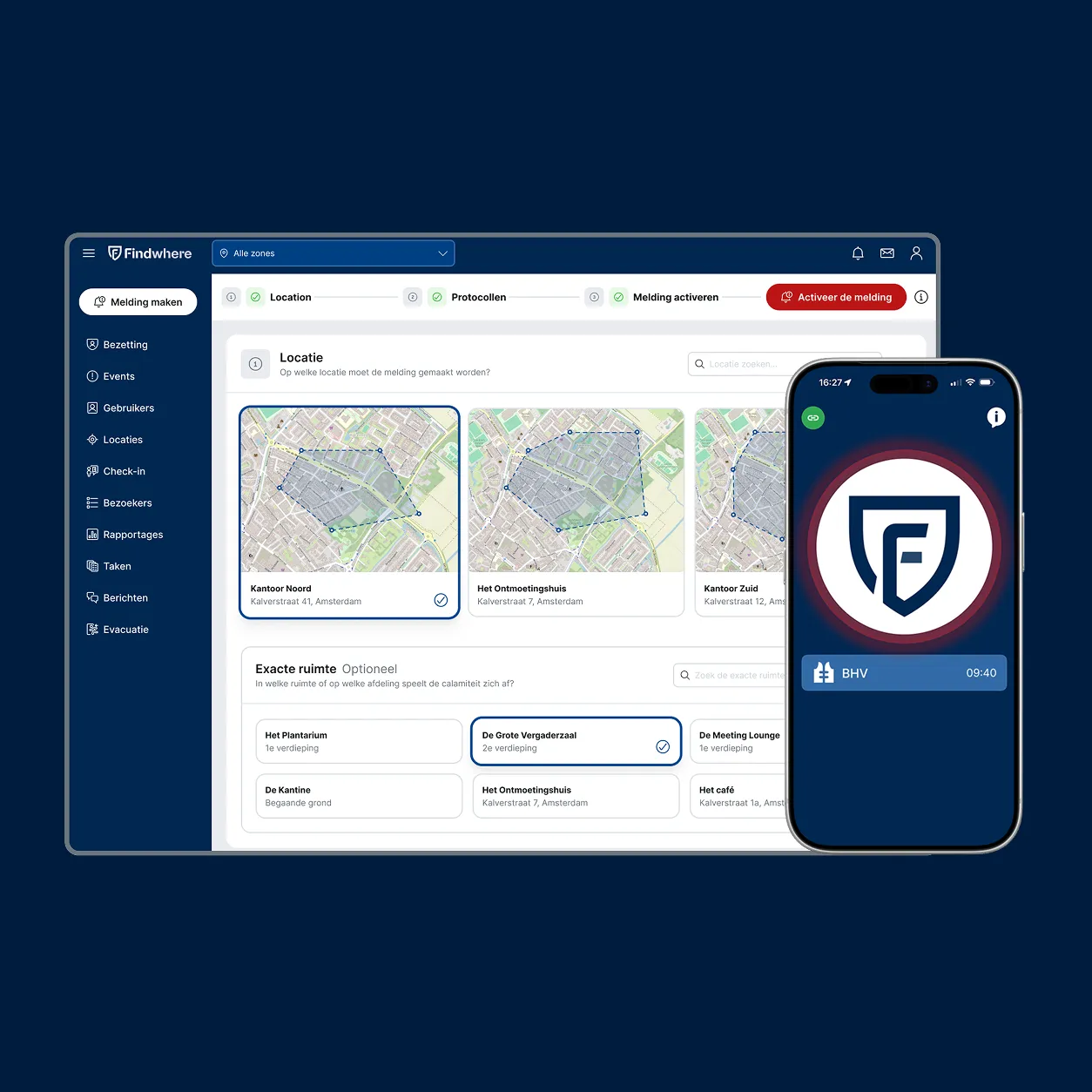
Findwhere is a digital emergency response platform that helps organizations respond faster and more effectively during emergencies. The platform automatically alerts the appropriate emergency response team members, activates the correct protocol, supports communication during the incident, and records all actions. As a result, evacuations are more organized, errors are reduced, and first responders always have access to up-to-date information.
A digital evacuation plan ensures that employees and emergency response team members have immediate access to the correct information during an emergency. Instead of paper procedures or separate documents, alerts, communication, and protocols are managed centrally and automatically activated when an incident occurs.
With Findwhere, you can digitize the entire evacuation process. The platform automatically activates the appropriate protocol, alerts the appropriate emergency response team members based on their location and availability, and supports communication during the incident. Thanks to real-time insight into reports, tasks, and the progress of the evacuation, emergency responders can collaborate more quickly and effectively.
Afterward, Findwhere automatically records all actions and response times. This allows you to easily evaluate every evacuation or drill, improve protocols, and continuously optimize your emergency response organization. This ensures you always have an up-to-date, scalable, and effective evacuation plan that helps organizations act faster and more safely when every second counts.
Still have questions?

