
The rise of QR codes
QR stands for Quick Response, something that is very important for your corporate security. Nowadays you see them everywhere, from on packaging to billboards – QR codes are indispensable these days. Usually QR codes are used commercially, for example to direct you to a website or to let you fill out a form. But did you know that QR codes can also be used for other practical things?
No buttons but codes
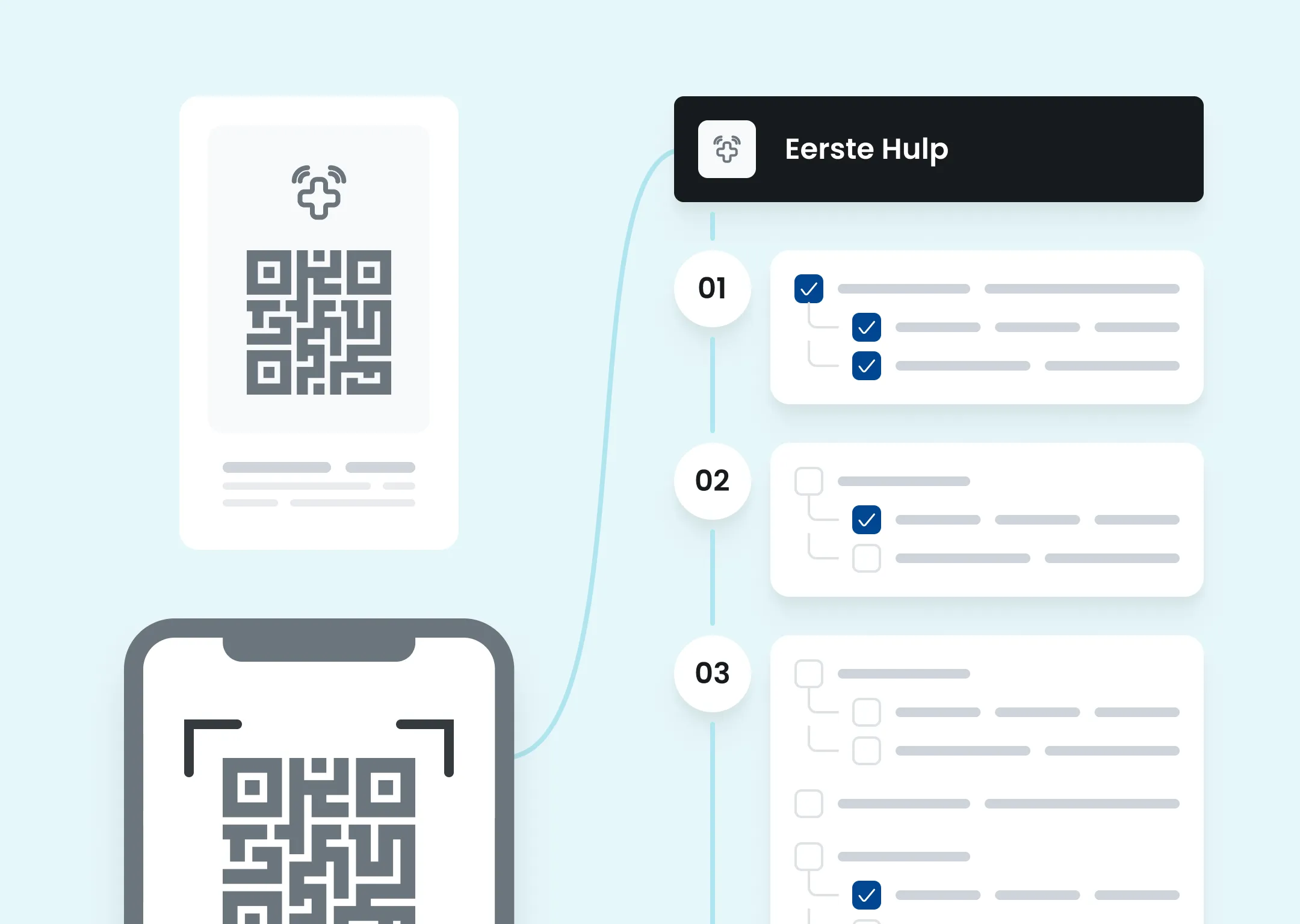
We all know them. The red buttons you think you’ll never have to press. They’ve been hanging around the premises for years and you can’t remember the last time they were tested. What if you could replace all or part of them with QR codes? With our software, it’s possible. Whether you want your business completely hardware-free or partially digitized, it’s all possible.
By simply putting up a QR code, anyone, regardless of whether they have the Findwhere app on their phone, can make a notification.
How exactly does that work?
It’s simple. The Findwhere software consists of an app and a desktop admin where you can manage everything. Each organization can personalize their protocols (read more about our protocols on this page). While creating a protocol, the admin has the option to check QR code. By checking this, the protocol can be selected if someone scans it. Obviously not every protocol needs to be available, therefore you choose which ones are displayed after scanning. There is even the possibility to create protocols only for QR codes. Then the protocols are not visible in the Findwhere app, but only to people who scan the protocol.
Security, privacy and reliability
Since a QR Code is digital and, unlike a physical button, can still be considered unreliable, here are some reasons why you shouldn’t be afraid.
- All QR codes are generated exclusively in the Findwhere admin, preventing unauthorized persons from creating their own codes.
- QR codes are location- and context-specific, which prevents them from being misused outside your organization.
- QR codes can be activated or deactivated instantly, such as in the case of temporary reports or when abuse is suspected.